Collaborate on shared photo albums, upload and view images in real time. Invite friends to join projects, comment on photos, and download edited versions. Sync across devices and manage access permissions.
by Huy Kieu Thanh★ 1.01 ratingsPhoto & VideoFreeData updated 2026-09-06
Take photos and add humorous to faces. Upload or capture images directly in the . Choose from generated styles. Share edited photos via text, Facebook, and Twitter. Use personal or celebrity images for fun.
Decorate photos with festive frames and color effects. Add bokeh effects and stickers. Share edited photos directly with contacts. Apply pre-designed frames and customize colors for images.
Edit photos with , , and AI cutout tools. Apply neon, glitch, and overlay . Add doodles, artistic text, and fun stickers. Share edited photos directly to Instagram, WhatsApp, Facebook, and Messenger.
Apply retro 80s filters to photos and videos. Adjust color, contrast, and grain for a vintage look. Add glitch effects and simulate low-resolution video. Share edited content directly to social media.
View photos, floorplans, and webcams from a project. Upload photos directly from a mobile device. Add annotations and comments to images. Share updates with team members in real time. Sync with the platform for project documentation.
Browse and download full-resolution images from thumbnails. Bulk download pages with a single click. Share images to Tumblr. View and manage photos privately without passwords.
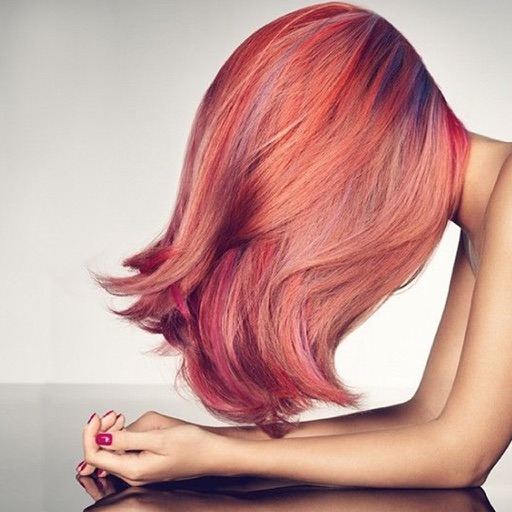
Change in photos by selecting multiple shades and applying them to strands. Brush to highlight sections. Save edited images to gallery or email to friends.
Collaborate on video projects by joining communities and following shot lists. Film footage directly on iPhone. View and participate in projects created by others. Share and discover content globally.
The app uploads photos and videos from iOS devices to Mac OS X or Linux computers without USB connections or computer software. It backs up all Camera Roll content, including edited versions, and uses rsync for file integrity.
Edit photos and videos with one-tap filters or manual sliders for exposure, saturation, and color balance. Swipe up to access advanced adjustments. Export edited media in various formats and share directly.
Organize and clean photos with AI-driven sorting into intelligent albums. Delete duplicates, rename files, and batch edit metadata. Export selected images and share directly from the .
Edit photos with AI-powered tools, object removal, and background changes. Apply artistic styles and one-tap enhancements. Export edited images in multiple formats and share directly.
Organize photos by swiping to delete unwanted images. Categorize photos into Favorites and custom albums. Create and manage collections for easy access and storage management.
Apply to photos for consistent styling. Import from desktop to mobile effortlessly. Customize photo adjustments with preset themes. Save and organize for quick access during editing. Export edited photos in DNG format.
Create group video projects by inviting friends or social media followers. Set deadlines, collaborate on video messages, and add pre-made animations. Merge videos quickly and share the final result.
Add borders to photos with tools for brand logos like Leica, Hasselblad, and Canon. Automatically read photo metadata. Export original images and restore photo texture.
Edit photos with filters, cropping, and adjustments. Create stop-motion and time-lapse videos. Add special effects to individual images. Export edited photos and videos. Share directly from the .
Remove unwanted backgrounds or objects from photos. Edit images to make backgrounds transparent. Add custom backgrounds for improved visuals. Erase specific areas for enhanced photo quality. Save and share edited images directly.