Collaborate on shared photo albums, upload and view images in real time. Invite friends to join projects, comment on photos, and download edited versions. Sync across devices and manage access permissions.
by Huy Kieu Thanh★ 1.01 ratingsPhoto & VideoFreeData updated 2026-09-06
Edit photos to and acne using a skin copy and paste tool. Select the blemish, copy, and paste over the skin for a seamless effect. Adjust and blend the skin to achieve a flawless result. Export and share the edited photo directly.
Apply retro filters, lightleaks, timestamps, and frame effects to photos. Share edited photos with friends. Access premium filters and textures via Pro subscription.
Edit photos and videos with vintage and retro styles using curated presets. Apply filters to adjust color, contrast, and tone. Use templates for minimal, paper, film, or polaroid effects. Export edited content in various formats and share directly.
Edit photos with custom filters and apply effects. Save and share edited images. Set 4K and live lock screens. Choose from categorized backgrounds. Edit and customize photos for personalization. Export and share edited content directly.
Edit photos with and apply filters. Add text and stickers. Create montages. Share edited images directly. Adjust brightness and contrast. Save and export in various formats.
Monitor live stream feed to view bird activity in real time. Save, download, and share photos and videos of birds. Automatically capture images and videos when birds visit. Pair with Bird for remote monitoring.
Edit photos with filters, cropping, and adjustments. Change backgrounds and add stickers. Create collages and customize . Design Facebook and Instagram posts and stories. Export edited images in multiple formats.
Edit photos with color filters, adjustment tools, and customization options. Apply creative color grading. Export edited images in various formats. Share photos using the #digitalfilmapp hashtag.
Edit photos with sky glow filter and relight features. Change background elements and remove or replace skies. Adjust sky tones and add effects. Export edited images in various formats.
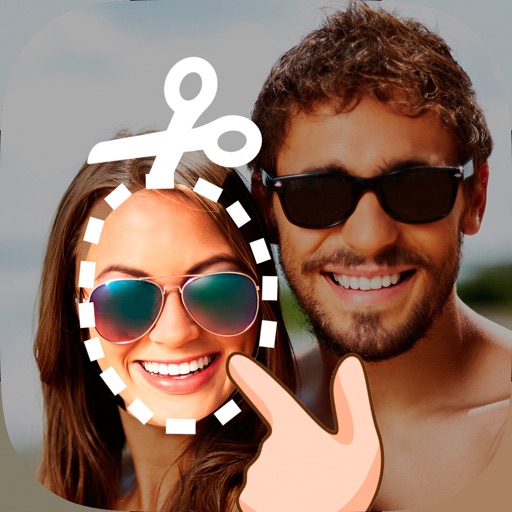
Edit photos by cutting and pasting faces, removing backgrounds, and deleting unwanted people. Add missing faces to photos. Use the silhouette head tool to select and edit elements. Export edited images directly.
Edit photos by swapping faces using AI technology. Adjust facial features and apply filters. Copy faces from one image to another. Create realistic or humorous -over effects. Share edited images directly.
Edit photos with filters, presets, and effects. Add text and stickers. Explore curated locations and maps for photography. Share edited content directly. Sync with social media platforms.
Upload photos of yourself, friends, or pets to apply AI-powered festive styles. Edit images with holiday-themed filters and effects. Save and share transformed photos directly.
Edit photos with and mosaic effects. Apply 15 types of or mosaic filters. Adjust color to create soft or colorful images. Save and share edited photos directly.
Turn photos into sketches, oil paintings, and watercolor with style transfer. Apply filters to enhance visuals. Export edited images in various formats and share directly.
Edit photos, generate studio portraits, share instantly
Edit photos with AI-generated enhancements, including studio-quality portraits. Adjust lighting, background, and composition. Save and share edited images directly.
Save specific video scenes to photo albums with or without live photo. View images in fullscreen. Save multiple photos. Export as GIF. Sync with iCloud Photo Library.