Collaborate on shared photo albums, upload and view images in real time. Invite friends to join projects, comment on photos, and download edited versions. Sync across devices and manage access permissions.
by Huy Kieu Thanh★ 1.01 ratingsPhoto & VideoFreeData updated 2026-09-06
Create photos without cropping. Edit images with filters, backgrounds, and layout adjustments. Make photo collages using hundreds of layouts. Share high-quality photos to social media platforms. Adjust ratios and add text for customization.
Create and share high-resolution photos and videos remotely with creators. Collaborate in real-time via Video Rooms for remote photo and video shoots. Edit and share content directly from the model's device.
Remove backgrounds from images using automatic or manual tools. Edit photos with removal, erasing, and recovery brushes. Save and share edited images directly.
Edit photos by removing objects with a magic eraser and auto-cutout tools. Adjust colors, apply filters, and enhance details. Save and share edited images directly.
Create photos with 100+ , quotes, and cake designs. Add names and photos to cakes. Use age calculator. Generate greeting cards with text and images. Send wishes to friends.
View and download high-resolution of bands. Filter images like Instagram. Crop photos before saving. Set selected images as device wallpaper. Access and artwork for customization.
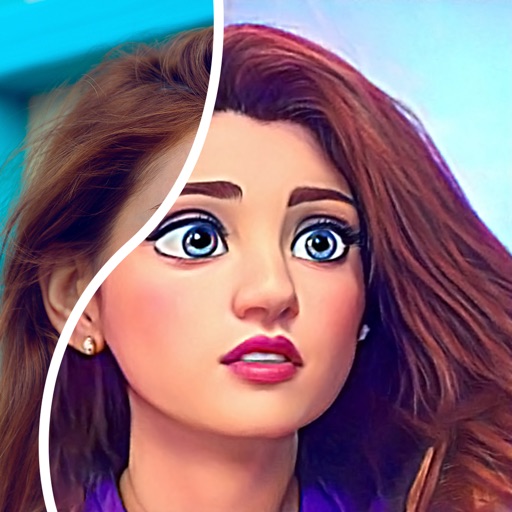
Convert photos into comic styles using AI algorithms. Edit avatars with retouching tools. Access various comic templates. Apply filters and adjust images for effects. Share edited images directly.
Edit photos with borders, cropping, and resizing tools. Add designer borders to round images. Save and share edited pictures on Instagram, TikTok, Facebook, Twitter, WhatsApp, and other platforms.
View and edit metadata for photos, including GPS location and geotagging. Remove data from images. Access metadata from iOS devices, Photo Stream, or iCloud. Sync across all iOS devices with a single purchase.
Color grade photos and videos with tools. Apply 60+ real stock presets. Add realistic grain, bloom, and halation effects. Adjust colors professionally for a cinematic look. Export edited media in high quality.
View photos and videos stored in Drive on iOS devices. Browse content in chronological order and organize into topical albums. Share media directly from the .
Apply filters and to photos. Select from pre-designed templates to create images or cards. Edit photos by adding text, stickers, and custom . Share edited photos directly.
Edit photos with customizable wing designs and shape transformations. Add filters, adjust brightness and contrast. Save and share edited images directly.
Edit photos with stickers, filters, and effects. Add text and customize images. Share edited photos directly. Retouch images with over 200 -themed stickers. Save and export in various formats.
Share files, annotate images, collaborate in real-time
Share files instantly with real-time collaboration and links. Annotate images and documents directly. Preview over 200 formats. Email files or generate shareable links during uploads. Convert and share photos, videos, and documents seamlessly.
Organize photos into themed for curation. Collaborate with others to co-create content. Discover and follow photographers. Share photos privately or publicly. View and comment on others' . Adjust settings for privacy and permissions.