Create collages by selecting layouts, adding photos, and personalizing with frames or templates. Arrange images in grids, freestyle, or pre-designed templates. Share directly to social media or messaging apps.
Divide panorama photos into square pieces. Share to Instagram, Twitter, Line, and WeChat. Crop images easily. Use seven grid layouts including 12, 13, 22, 23, 33, 43, and 53. Adjust FillMode with dimensions from 1x1 to 10x10.
Add text to photos using customizable fonts and captions. Overlay images with artistic artwork or choose from filters and frames. Scale and crop photos for editing. Share edited photos directly to Instagram.
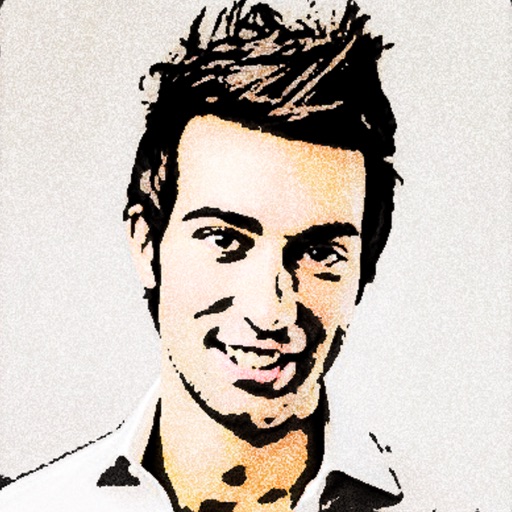
Convert photos to colored or black and white sketches using 7 available effects. Choose a photo from the library or take a new one. Apply a effect and save the result to the device. No internet connection is required.
Create professional designs with templates, logo makers, and editing tools. Remove backgrounds, access fonts and illustrations, and customize projects. Share designs directly from the .
Edit videos and photos with mosaic and AI filters. Add scribble animations and customize aesthetics. Share content to TikTok, Snapchat, Instagram, and Facebook. Adjust filters and for creative storytelling.
Turn photos into 12 styles with adjustable edge thickness. Add stickers before or after cartoonization. Save and share the edited image. No internet connection required.
Blur faces automatically using facial recognition. Add blur, solid color, or emoji to hide faces. Resize and reshape blur regions. Adjust color and effects. Share edited images to photo library and other apps.
The app allows users to post entire photos on Instagram without cropping. It offers a colorful background option and direct sharing to Instagram, Facebook, and X.
Allows users to videos to GIFs or live photos and vice versa. Trim video duration, adjust playback speed, and crop dimensions. Export converted files in various formats for sharing.
Edit photos with background erasing and changing tools. Blur backgrounds and apply portrait beauty effects. Add realistic filters and effects with one tap. Share edited photos directly. Join a community for editing tips and feedback.
Edit photos with brightness, saturation, and contrast adjustments. Add text, stickers, and memes. Crop, rotate, and straighten images. Apply effects and frames. Sharpen or blur photos. Import images from the camera roll. Fix red tones.
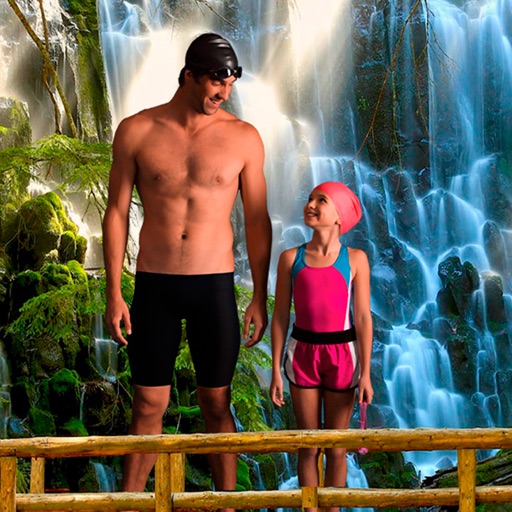
Select a from the collection. Crop a photo by pressing the silhouette button and drawing the desired area. Place the cropped image within the chosen scene. Share the final composition.