Create and customize AR emojis based on your face. Record videos with animated avatars performing actions. Save and share videos to social networks or keep privately. Adjust expressions and movements.
Edit videos by selecting from a library and applying various effects. Add stickers like glitch, text, emojis, and love symbols. Draw shapes and signs in multiple colors. Apply slow and fast motion effects. Add frames or borders to videos.
Create using facial expressions. Capture and edit selfies to generate stickers. Add text or artwork to enhance designs. Share via iMessage and social media. Upgrade to Emoji Pro for advanced editing features.
Browse organized into 25 categories including Abstract & Textures, Animals, and Space & Galaxy. Set as phone background. Share via social media. Apply color filters to customize appearance.
Turn photos into GIFs by selecting from a variety of animations. Choose from options like extreme anger, sly smile, and epic slap. Share the resulting GIFs directly with friends. Edit and customize animations before sharing.
Edit messages with 150+ customizable . Create and send custom emojis. Generate GIFs and animated emojis. Add decorative text to messages. Share formatted text across apps like Instagram and Snapchat.
Create and edit videos using AI to insert objects or people into scenes. Replace elements in videos with photos or text prompts. Generate memes by adding text and effects to images. Share edited content directly.
Crop photos into circular shapes. Adjust size and position. Save edited images directly to the device. Share cropped photos via social media or messaging apps.
Compress videos to storage . Adjust compression ratio or customize resolution, bitrate, and frame rate. Batch compress multiple videos. Split videos into shorter clips. Trim, crop, and compress photos. Clean up album videos to free up .
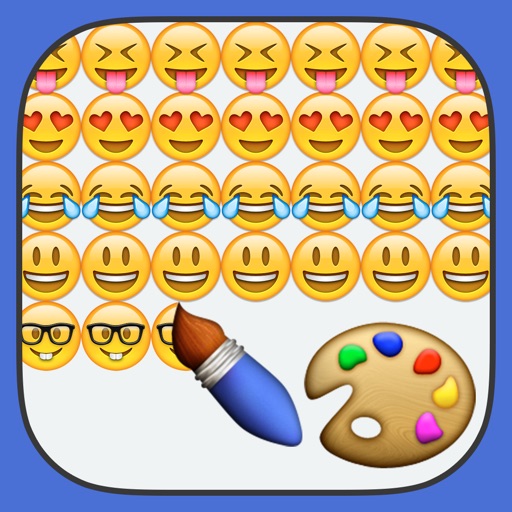
Create paintings using emojis. Select from over 1600 emojis. Adjust size and other settings. Zoom in and out for precision. Works on iPhone, iPod Touch, and iPad.
With filters, cropping, and adjustment tools. Apply beauty enhancements and double exposure effects. Use color splash and resize images. Access frames and story templates. Change resolution and export in multiple formats.
Add and to with customizable fonts and animations. Position and resize anywhere on the screen. Set duration using a time slider. Crop to square. Choose from preloaded or . Apply start and end animations to elements.
Edit videos with rotation, scaling, and cropping tools. Add borders and frames for square format. Trim clips and share directly to Instagram, Facebook, or Vines without cropping. Apply blur to background for enhanced visuals.