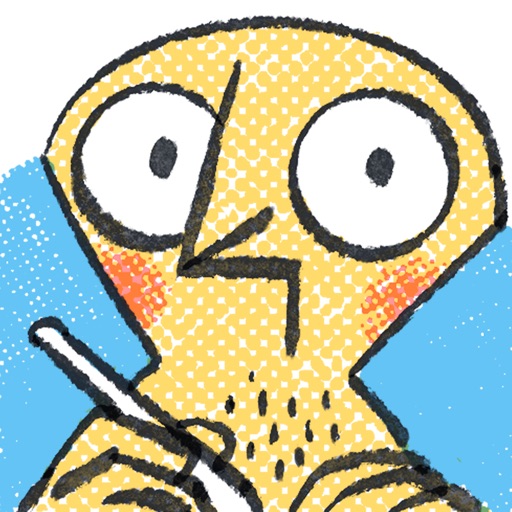
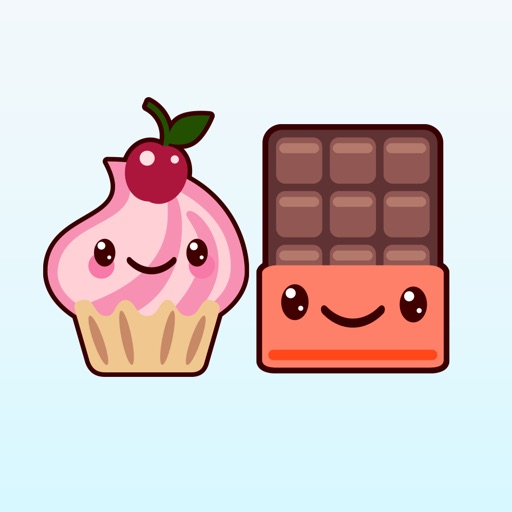
Send stickers directly to messages by holding a sticker in the drawer until it appears. Choose from a variety of expressive characters and themes. Add new sticker packs in the future for expanded communication options.
Create custom stickers from photos in your camera roll. Select images of family, friends, or pets to use as stickers. Use iOS 16 to isolate subjects and save as packs. Share stickers directly in Messages.
Send and manage 110+ rabbit stickers for iMessage. Choose from happy, romantic, motivational, and other emotional expressions. Customize sticker layout for better visibility on screen.
Collect and use -themed for messaging and social media. Add new for past and upcoming holidays. Purchase once and receive updates for all packs. Share across platforms and customize messages with seasonal designs.
Create and organize custom iMessage packs using personal images from Files or Photos. Edit packs with custom icons. Mark stickers as favorites for quick access. View recently sent stickers. Reorder stickers and packs. Adjust sizes.
Create and send custom with handcrafted designs, animations, and ironic text. Choose from themed collections for messaging, social media, and personal use. Add to conversations, share via links, and customize sticker packs.
Send animated in iMessage to express emotions like anger, happiness, or discomfort. Choose from a variety of cute, chaotic, and colorful animations. Add to conversations to convey feelings without words.
Send animated robot with expressive animations. Customize sticker size and position. Share via iMessage and social media. Support multiple languages and emoji reactions.
Send and customize stickers in iMessage conversations. Choose from 72 high-quality images of cute characters. Include 24 free stickers with purchase options for additional packs. Add stickers to messages and share directly.
Use stickers to express emotions during chats. Swipe through pages to navigate. Access 149 stickers permanently after one-time purchase. Share stickers in messaging apps.