Apps Like Electrical Troubleshooting MS for iPhone and iPad
Solve problems with a voltmeter
Solve 17 random problems to improve skills. Use a virtual voltmeter to test circuits. View animated motor starter diagrams for forward and reverse operations. Switch between control schematics instantly.
by David White★ 4.882 ratingsEducationFreeData updated 2026-09-06
Learn the English alphabet, numbers, and basic words through interactive . Identify and pronounce letters, numbers, and words. Use static and moving objects to improve coordination and fine motor skills. Suitable for children aged 2 and above.
Datasheet search allows users to find electronic components. Resistor color codes and markings are decoded for 4, 5, and 6 band codes. Electronic symbols are displayed according to IEC 60617, IEEE 315, and GOST standards.
Educational for kids ages 2–7 offer offline play with no ads. Features include ABC tracing, puzzle solving, virtual pet care, cooking, dress-up, and doctor role-play.
Take tests with detailed explanations. Review categorized questions on hardware, software, networking, troubleshooting, and security. Use AI tools to personalize learning. Track progress and prepare for certification exams.
Learn shapes, letters, animals, and transport through interactive . Compare and sort objects with one touch. Develop logic, attention, memory, and fine motor skills. Play with customizable difficulty levels for varying ages.
Learn about through quizzes on topics like Semiconductor Switches, Rectifiers, and Control System Essentials. Test knowledge with interactive questions. Track progress and review answers for each topic.
Build and simulate linear AC and DC circuits by dragging and rotating components. Calculate steady-state voltages and currents. View real-time DC current flow and review results with detailed analysis. Export schematics and solution data.
Analyze electronic circuits with multiple methods.
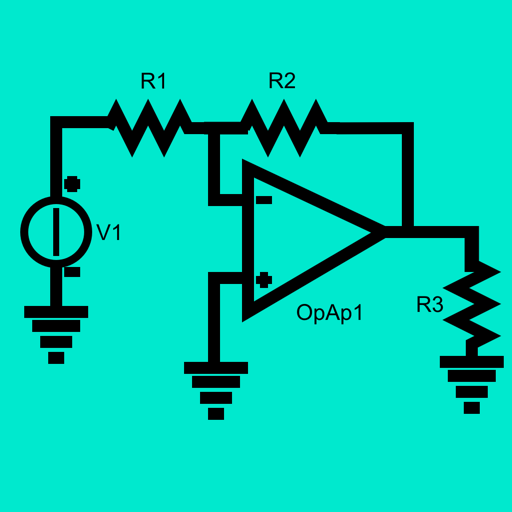
The app analyzes electronic circuits using modified node analysis. It supports DC, AC, multifrequency AC, and transient analyses for linear and non-linear circuits with various sources and components.
Create 3D models using intuitive device-optimized controls. Design circuits, code, and simulate electronic components. Learn through hands-on projects. Access free, ad-free tools suitable for all ages.
Study flashcards with customizable questions and answers. Review progress with statistics and spaced repetition. Create and share flashcards with classmates. Solve math problems with step-by-step explanations.
Meditate with sessions, mindfulness courses, and breathing exercises. Listen to sleep stories and soundscapes. Track progress and set reminders for daily practice. Share achievements and connect with a community.
Practice with 600+ exercises designed for ages 6-10. Complete lessons embedded in gameplay. Access 600+ levels with new content added every two months. Track progress and receive updates on problem-solving skills and performance.
Study for Network+ certification with practice tests, detailed explanations, and AI-powered learning tools. Review networking fundamentals, troubleshooting, and security.
Teaches children to recognize shapes, colors, and sizes through three interactive . Features progressive difficulty levels for all ages. Includes exercises to identify and differentiate basic colors and shapes.