Access remote desktop-like interface to run web browsers on servers. Stream videos and games with low latency. Support multi-monitor setups and keyboard shortcuts for enhanced productivity.
Control media playback on Mac or Windows PCs via WiFi. Adjust volume, skip tracks, and pause playback. Supports , YouTube, Hulu, Vimeo, and iTunes. Requires computer and installation. No physical needed.
Allows users to their PC or Mac using an iPhone. Users can perform keyboard shortcuts, mouse actions, and remote shutdown. They can customize controls and auto-detect their computer for quick connection.
Computer functions remotely using a phone as a wireless and keyboard. View and manage documents, take screenshots, and windows. Play media files, transfer images, record video, and manage PowerPoint presentations.
Display text on a virtual screen for live reading. Adjust scrolling speed and direction. Sync with external devices for real-time input. Support for custom fonts and text formatting. Export scripts and share directly.
Stream games from Xbox to iPhone or iPad. Control game volume and chat audio. View game stats and player profiles. Navigate menus and access game settings remotely.
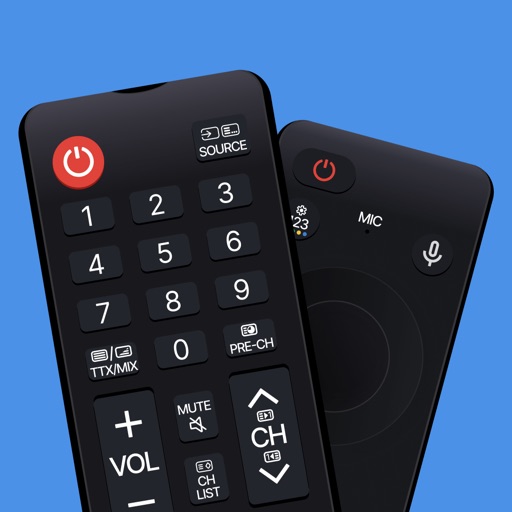
TV functions with button layouts matching popular brands. Adjust volume, channel, and input settings. Manage smart home devices via integrated controls. View device status and receive notifications. Switch between multiple devices and profiles.
Control the using touch gestures. Pair automatically with nearby devices. Use a trackpad to move the cursor and navigate with virtual buttons. Adjust cursor and scroll speed in settings. Send text from your phone to the .
Turns your iPhone into a wireless for your Mac. Use full gesture support for scrolling, zooming, and swiping. Connect via Bluetooth or USB cable. Type on your Mac using the built-in keyboard.