
iPhone Screenshots



Description
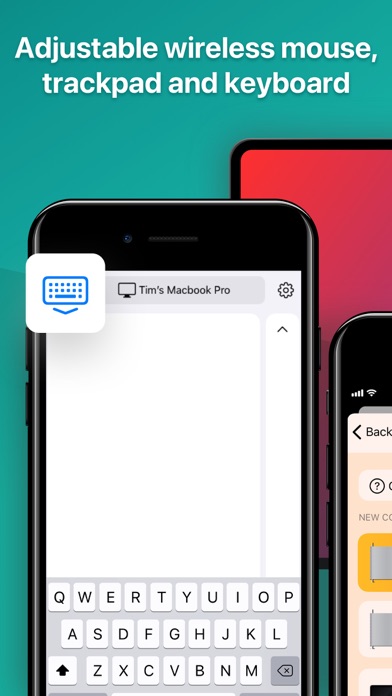
Convenient tool that transforms your phone into a wireless mouse, keyboard and Mac controller.
Always at hand
You no longer have to worry if it turns out that your mouse is broken or run out of power, because your phone is always at hand and you can use it anytime and anywhere! Moreover, it can also replace your trackpad, keyboard, and even remotely control multimedia and browser on your computer.
All you need is to install the application and to connect it to a Mac using Wi-Fi network.
Control settings
For ease of use, the application offers a number of control settings. For example, users can adjust the trackpad sensitivity, scroll speed and direction or switch to left-handed mouse mode.
Theme customization
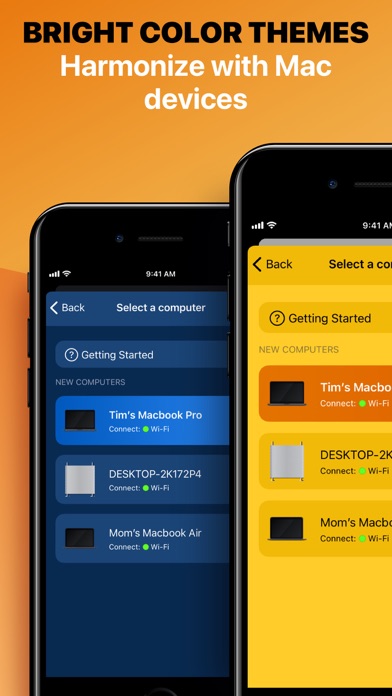
A stylish laconic design of the app is coupled with a large variety of themes - you can choose the color you like the most!
Main features:
-Handy controller imitating mouse and trackpad;
-Click, scroll and sensitivity settings;
-Left-handed mode;
-Keyboard function;
-Remote control for the browser and multimedia;
-Wireless Wi-Fi & IP pairing;
-Simple and stylish design;
-Theme choice.
*To use the application, you also need to install it on your Mac and connect your device to the same Wi-Fi as a computer
https://smartpurchase.ru/privacy
https://smartpurchase.ru/tos