Edit photos adjustable temperature, tint, and exposure settings. Use texture blending tools and apply effects. Add stickers opacity and shadow control, and include text 3D effects and multiple fonts. Crop, rotate, and straighten images.
Create AI-generated images and videos from text input. Use pre-designed templates for social media content. Edit and enhance visuals with built-in tools. Share directly to platforms like TikTok and Instagram.
Edit photos and videos with trending filters, effects, and styles. Apply Glitch, Blur, Vintage, and other weekly updated effects. Design content optimized for Instagram, TikTok, Facebook, Snapchat, and other platforms.
Edit photos with color and film filters, vintage textures, and light leak effects. Adjust brightness, contrast, and saturation. Add vignettes and analog film sensations. Export edited images in various formats.
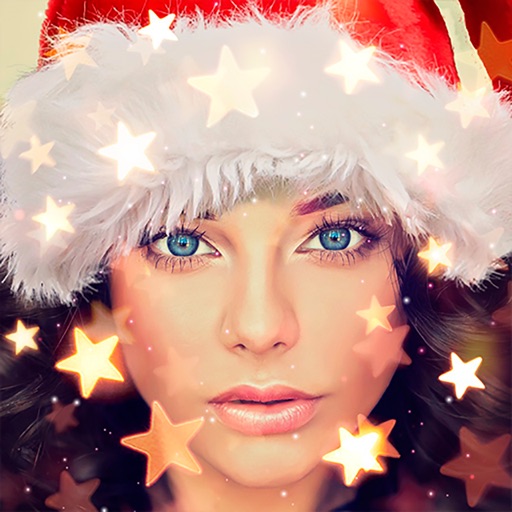
Create holiday cards by selecting from 500+ , filters, and effects. Choose photos from your gallery or camera, add custom text, and share the finished card. Include festive elements like a fluffy Red Santa for fun.
The app offers a professional-grade camera with manual controls for exposure, focus, and white balance. It also includes a nondestructive photo editor with adjustments for color, sharpness, and skin tone.
Create sketches from photos with adjustable brush settings and layer controls. Choose from multiple art styles including cartoon, silhouette, and watercolor. Edit sketches with tools for tracing, erasing, and color adjustments.
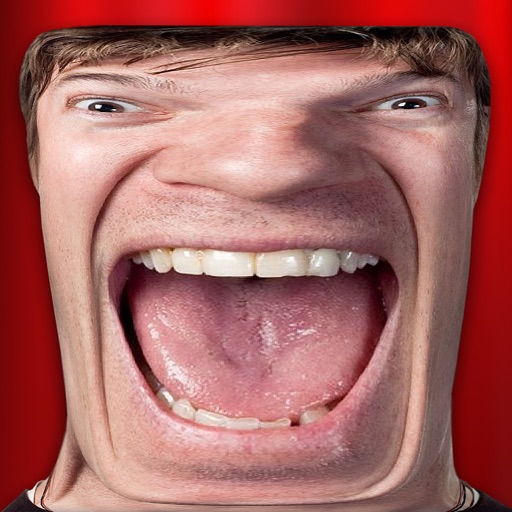
Take photos and videos with 9 customizable effects including smile enhancement, face stretching, and character transformations. Adjust effects on-screen. Share images and videos via email, Twitter, or Facebook.
Hong Kong Source Research Society Supply Chain Limited
Apply retro filters to photos
Edit photos with retro filters that mimic classic film styles. Add light leaks and lens flares for artistic effects. Apply effects to enhance the nostalgic look. Share edited photos directly to social media platforms.
Take selfies or select from the photo library. Apply single-tap filters for self-portraits. Save photos and share to Twitter or Facebook. Includes self-timer and professionally designed effects.
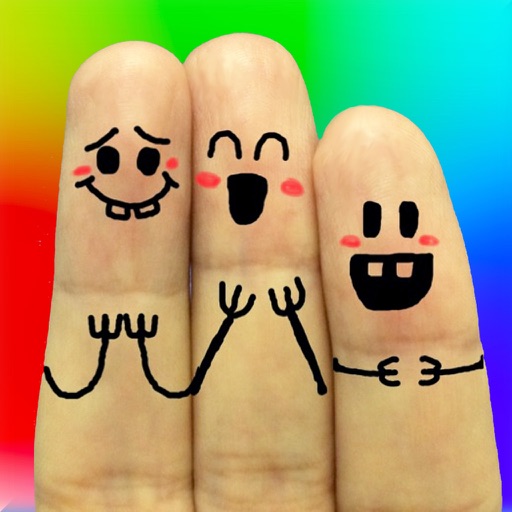
The app allows users to create finger faces using photos from their camera roll or by taking new pictures. Users can add faces, items, stickers, and text, or draw their own creations.
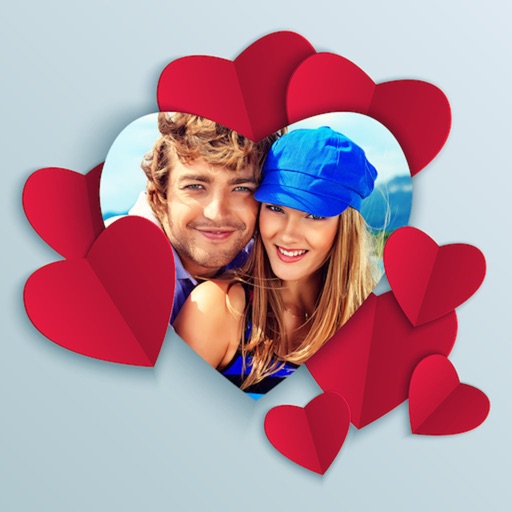
Edit photos with blending tools to create double exposure effects. Add frames, quotes, and background elements. Apply single-layer filters. Export edited images without ads. two images with one touch.