Apps Like Reverse Video By VidBot for iPhone and iPad
Videos and edit timelines
Videos using a simple interface. Play backward playback. Edit videos with a user-friendly maker. Create reversed videos for sharing. Export reversed videos in standard formats.
by David Dixon★ 5.012 ratingsPhoto & VideoFreeData updated 2026-09-06
NINEG UYGULAMA GELISTIRME VE PAZARLAMA ANONIM SIRKETI
Create videos from photos with AI
Create videos from text using AI technology. nimations in different styles. Convert photos into AI art, including anime and polaroid styles. Edit and export videos directly.
Edit videos and photos with background addition for portrait or landscape formats. Apply blur effects without cropping. Share edited content via a new sharing screen. Access media across devices from a centralized library.
Allows users to videos to GIFs or live photos and vice versa. Trim video duration, adjust playback speed, and crop dimensions. Export converted files in various formats for sharing.
Apply effects to clips using a growing library of professionally designed options. Edit videos with trimming, splitting, and layering tools. Add text, stickers, and transitions. Export in various formats and share directly.
Download and edit videos from any source. Save clips directly to device. Use smart finder to browse websites privately or paste links for instant playback. Edit with trimming, cropping, and filters.
Edit videos with trimming, splitting, and merging tools. Add transitions, text, and music. Adjust brightness, contrast, and speed. Export in various formats and share directly.
Create and customize templates with trending audio options. Choose from a wide variety of pre-designed templates. Save custom templates for future use. Edit videos with added text, stickers, and effects. Share finished videos directly to Instagram.
Record and stop-motion videos with support for SDR Video, HDR Video, Apple Log, 12MP, and 48MP photos. Adjust playback speed after recording. Edit footage with advanced tools. Export in various formats. Control settings during capture.
Nd edit videos with AI-powered captioning, script writing, and translation tools. Create avatars and AI-generated videos. Add teleprompter functionality. Edit photos and videos with AI enhancements. Export in multiple formats.
Convert videos to GIFs by trimming, adjusting playback speed, and configuring loop or reverse playback. Set output size, aspect ratio, and image quality. Export customized GIFs directly.
Trim videos using a simple trimmer tool. Add via in- tracks, iTunes , or recorded audio. Edit audio segments as needed. Save and share edited videos directly.
Create videos and images using editing tools. Track faces and objects. Access premium templates. Add labels and images. Download content from TikTok, YouTube, Instagram, Facebook, Reddit, Giphy, and more. Share edited content to social media.
Create AI-powered videos with one tap. Capture 4-cut photos with pose guidance and unlimited retakes. Turn selfies into cartoon characters with customizable styles. Add dynamic music and effects to photos and videos. Share edited content directly.
Create looping videos from existing videos or Live Photos. Apply filters, add dynamic overlays, and edit with professional tools. Integrate favorite music. Share directly with others.
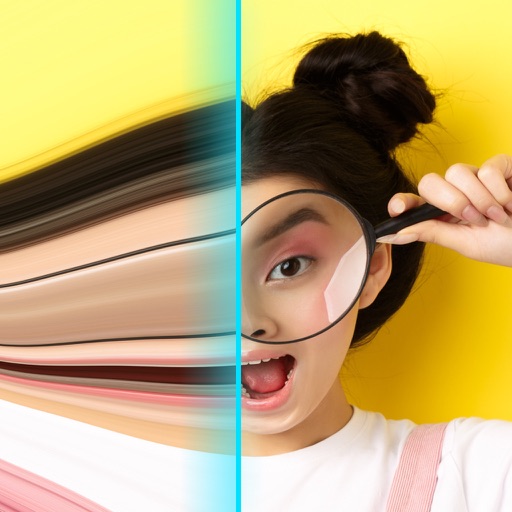
Record videos with - effects by capturing footage and adjusting scan speed, direction, and timer. Freeze or stretch specific parts of the frame to create surreal visuals. Share the edited videos directly from the .