Edit photos with text addition, drawing tools in multiple colors, and cute icon placement. Crop images using various ratios. Export edited photos in different formats.
by nguyen thanh★ 4.166 ratingsPhoto & VideoFreeData updated 2026-09-06
The app allows users to print photos from their iPhone or iPad. Users can select an image, choose a layout, and scale or crop it to fit multiple A4 pages for poster creation.
Edit photos by adding , stickers, and text. Create collages and cards with customizable designs. Upload images from the gallery or take new photos. Choose from pre-designed and stickers. Add notes and messages to photos.
Edit photos with romantic frames and backgrounds. Add text and stickers. Adjust brightness and contrast. Crop images and apply filters. Share edited photos directly.
The app offers a variety of tools for photo editing, including filters, effects, stickers, and text options. Users can easily share their edited images to social media platforms.
Create stickers by drawing lines to separate objects from photos. Store and share stickers via social media or messaging apps. Use stickers to design collages and combine with photos for creative images.
Edit photos with AI-powered background removal, colorization, and enhancement. Adjust brightness, contrast, and saturation. Crop, resize, and apply filters. Export in various formats and share directly.
Add and stickers to photos with customizable fonts and styles. Adjust position and rotation. Replace backgrounds with images, colors, or textures. Create memes, quotes, posters, and watermarked images.
Create art effects with one-click auto generation. Edit photos with filters, cutouts, background erasing, and changing. Blur images and adjust colors. Share edited photos directly to social media.
Create animated cartoon videos using frame-by-frame drawing. Doodle on different papers or over photos to build animations. Export as GIF or and share directly.
Generate videos from text prompts or photos. Transform images into dynamic videos. Combine AI models for enhanced results. Create shorts and reels without editing skills. Export in various formats.
Edit photos with cropping, filters, and adjustments. Remove unwanted objects or people using the Magic tool. Replace backgrounds to create montages. Create collages with pre-designed templates. Export edited photos in multiple formats.
Create logos, icons, and graphics using a grid-based interface for precise line and shape placement. Drag and drop elements to build designs. Export in various formats and share directly.
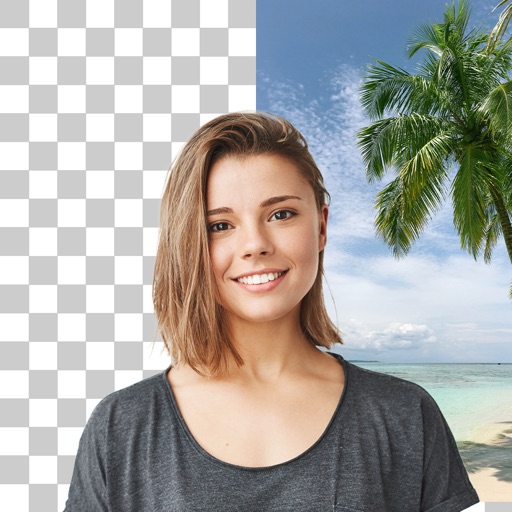
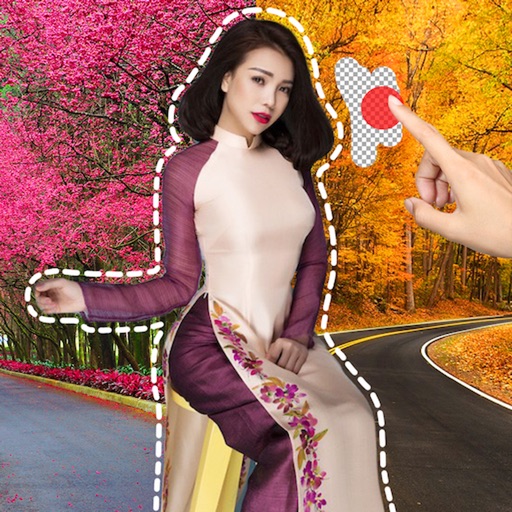
Remove image backgrounds using AI for transparent effects. Edit photos by cutting specific areas manually. Add new backgrounds, text, and stickers. Create profile pictures with customizable options.
Create text overlays with customizable fonts and colors. Add multiple text layers and background images from the gallery. Decorate text with symbols and styles. Generate stylish cards and set as profile pictures.
Create AI avatars from photos using advanced generation tools. Choose from various artistic styles and customize appearances. Edit images with built-in tools, apply AI filters, and save or share created artwork.
Create videos from multiple selected frames with customization options. Edit photos by zooming, rotating, and dragging within frames. Combine multiple frames into a single large .
Create albums and collages with customizable text, fonts, and colors. Add stickers, , and backgrounds. Design greeting cards with personal messages. Edit images with predefined styles and categories. Share edited photos directly.
Edit photos to change using 40+ pre-defined shades. Draw and erase unwanted areas. Save edited images. Apply visual effects without makeup. Adjust and preview changes instantly.