Remove unwanted , people, text, or distractions from photos. Use AI to automatically elements with a tap. Edit images by selecting areas to delete and refine the result. Save and share the cleaned-up photo directly.
Remove unwanted objects from photos using AI-powered image processing. Edit blemishes, erase lines or wires, and eliminate scratches. Delete any elements not desired in the image. Save and share the edited photos.
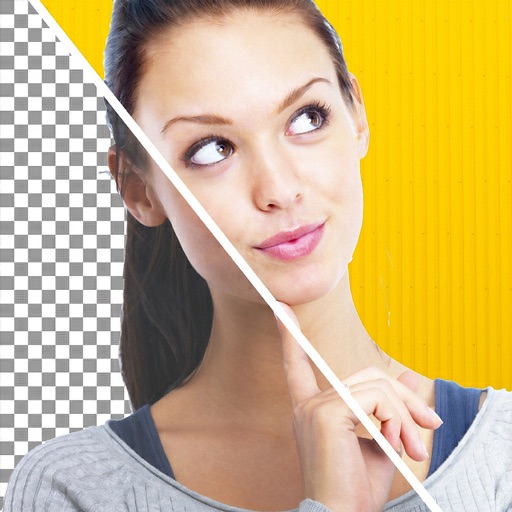
Remove backgrounds and unwanted objects from photos and videos using AI. Tap to remove backgrounds, swipe to erase objects. Edit media quickly with precision. Export edited content directly.
Remove unwanted areas from images or PDF files using precise cropping tools. Stitch multiple images or PDF pages together. Export cropped content as JPEG, PNG, or PDF to the Photo Library or other apps.
Create logos using AI-generated design concepts based on brand input. Choose from multiple logo options. Customize colors, fonts, and layouts. Export logos in various formats for use online or print.
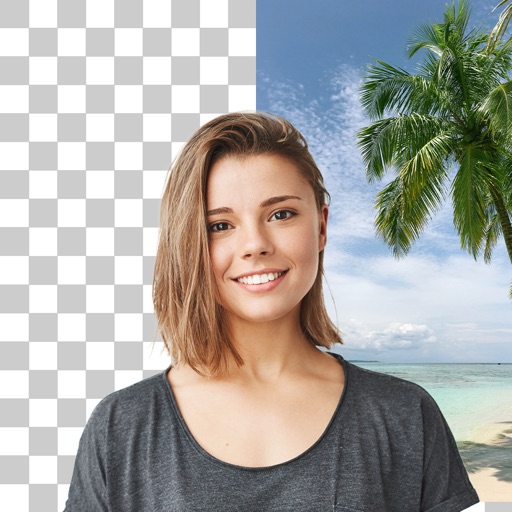
Edit photos by removing backgrounds and erasing objects with AI-powered tools. Adjust edges for sharp subject clarity. Save and share edited images directly. Enhance images for social media, online shops, or creative projects.
Edit photos with cropping, filters, and adjustments. Remove unwanted objects or people using the Magic tool. Replace backgrounds to create montages. Create collages with pre-designed templates. Export edited photos in multiple formats.
Create custom by drawing letters with finger or Apple Pencil. Add personal style to each character. Export letters as SVG files in a .zip file. Suitable for crafters, DIY enthusiasts, and artists.