Edit videos by colorizing specific parts and adjusting brightness, saturation, and hue. Change of selected areas, adjust contrast and white balance, and apply vignette effects. Convert videos to black and white with retention in chosen details.
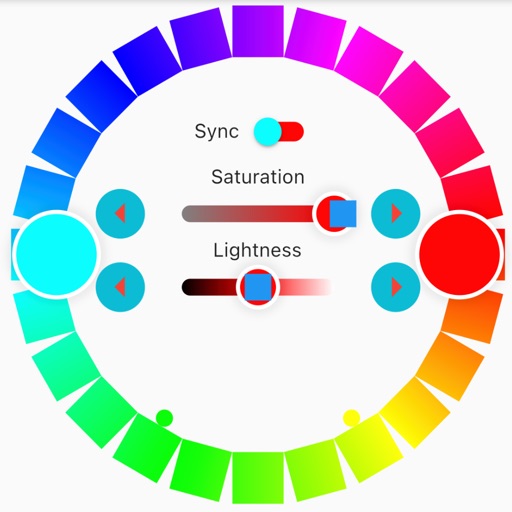
Create color palettes from scratch or based on a sample. Add or remove colors to refine the scheme. Organize palettes into collections for different projects. Adjust individual colors for precise customization.
Identify colors using the camera for real-time detection. View names and hex codes. colors from brands like Sherwin-Williams and Benjamin Moore. Explore professional palettes and check harmony with a built-in wheel. Import photos to analyze colors.
Create vector-based sketches and designs on an infinite canvas. Sketch plans, make notes, and draw storyboards. Organize ideas with mindmaps and doodles. Iterate and experiment with designs. Export and share work.
Convert numbers between hexadecimal, decimal, octal, and binary. Create custom colors using RGB and HEX values. Search for SF symbols and check IDFA status. Share values directly or copy them to clipboard.
Create vector artwork on iPad with precise drawing tools. Align objects to grids, paths, or points. Scale and rotate multiple objects in real time. Use masks to cut out elements from artwork or photos. Position text at any angle or along paths.
Arthur Eduardo Skaetta Alvarez Desenvolvimento de Software LTDA.
, edit, and share
And manage with one tap. Select colors using the wheel or RGB sliders. Export individual colors in RGB and HEX formats. Generate PDF documents containing palette colors and values.