Turn 2D images into 3D objects with customizable models. Arrange and animate 3D elements. Export as video for social media or as GIF/animated PNG for messaging apps.
by Threezy 3D Studio, Inc.★ 4.7125 ratingsPhoto & VideoFreeData updated 2026-09-06
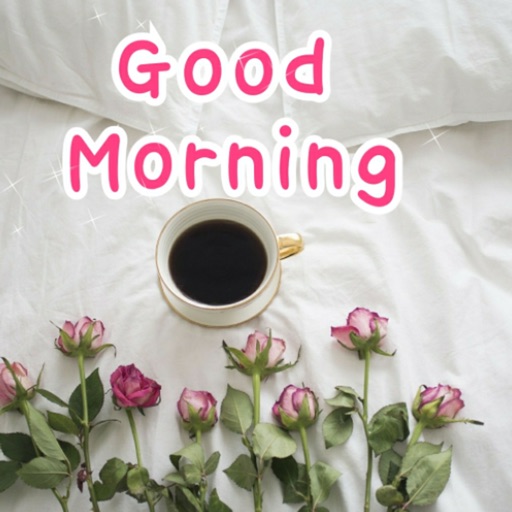
Share greeting for different times of the day, including and wallpapers. Download directly to your device. Browse by day of the week or tag. Includes animated GIFs, animal , and other themed visuals. No name mentioned.
Create images by combining Genmojis, Emojis, and Stickers on a flexible . Add photos or colors as backgrounds. Scale, rotate, and align elements precisely with smart grid and snapping. Export transparent PNGs for use on any platform.
Multiple screenshots together to create a single long image. Select and arrange manually or let the auto- them seamlessly. Export the merged image for sharing or saving.
Allows users to cut, delete, and reverse clips. Apply real-time beauty filters and crop videos with white space. Rotate, flip, or merge multiple videos. Add music from a library and convert videos to GIF or live photo formats.
Resize images to standard resolutions for social media, presentations, or printing. Adjust dimensions manually or use predefined options. Support multiple formats including JPG, JPEG, PNG, PDF, TIFF, BMP, GIF.
Create humorous collages by merging multiple images. Add text, stickers, and effects. Share edited photos directly to Facebook, Instagram, and other social platforms. Edit photos with a variety of filters and editing tools.
Create product mockups with realistic 3D rendering. Choose from multiple templates and customize colors, textures, and backgrounds. Export high-quality images for presentations or marketing materials. Share mockups directly via email or social media.
Create animated GIF from photos. Take a selfie to generate a personalized avatar. Choose from available templates and customize the sticker. Use daily updated backgrounds for different occasions. Share created with others.
T-shirt graphics with customizable templates, text, and image layers. Add patterns, adjust colors, and crop elements. Export designs for and share directly with suppliers.
Record lip-sync and music video selfies with animated stickers, decorative stickers, custom frames, and animated screen overlays. Save videos to the camera roll. Take still selfies and decorate them.
3D scan real objects and edit models in-. Export to multiple 3D formats and platforms. Print models using 3D printers. Add animations and share AR content. Create interactive elements for education, eCommerce, and design projects.
Create 3D art with advanced editing tools. Build models using intuitive controls. Export to multiple formats. Use AR to preview creations. Design assets for games or the metaverse.
Remove backgrounds from photos with AI-powered detection. Select transparent, white, or custom backgrounds. Edit images by removing people, faces, products, animals, text, and objects. Export edited images in various formats.
Add to photos and videos with customizable fonts and colors. Create captions, watermarks, and animated for social media. Edit art freely without ads or watermarks. Share edited content directly.
Edit photos by applying brushstroke-based styles ranging from realist to impressionistic. Choose from five levels of impressionism. Generate animations for artistic reference. Save and share edited images.
AI improves quality, fixes lighting, and sharpens details. AI Unblur converts pixelated or blurry images into clear high-resolution photos. Users can upload photos and apply AI-powered enhancements to restore old memories or refine portraits.