Play piano using a grid-based key layout. Select MIDI voices and adjust scales. Enable sticky keys for practice. Adjust note duration and velocity. Save and load custom configurations.
by Jason Pepas★ 5.04 ratingsMusicFreeData updated 2026-09-06
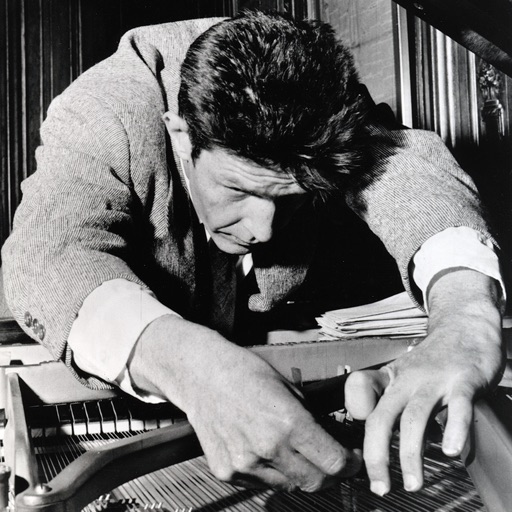
The app allows users to play the sounds of a prepared piano on their iPad. It features meticulously sampled sounds from a piano prepared with materials used by John Cage for his Sonatas and Interludes.
The app transforms a mobile device into a MIDI damper pedal. It sends MIDI Control Change #64 messages, supporting CoreMIDI and Bluetooth MIDI for musicians and producers.
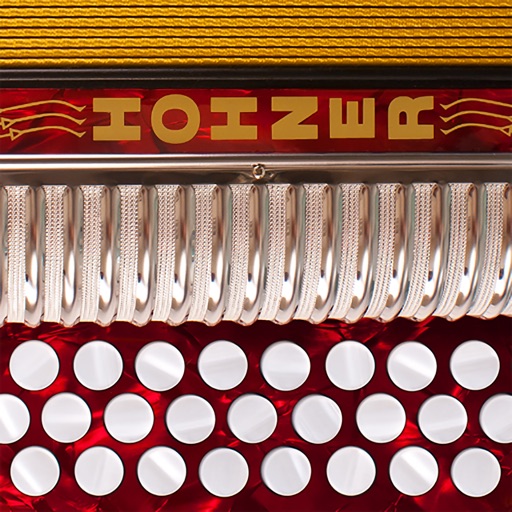
The app offers a virtual accordion with a responsive fingerboard, playing in five tones. It allows musicians to practice scales and songs, with options for headphone use or amplified performance.
Learn with pitch recognition and basic music theory. Play and record notes, visualize scales and chords. Access tuning guides and practice exercises. Sync lessons across devices and adjust interface for different screen sizes.
Learn tones by playing piano notes and identifying sounds. Play battles to recognize tones and select correct answers. Track progress and improve absolute listening skills for children.
The app transforms an iPhone into a touchless music instrument using the camera and flash to detect hand distance. This input generates tones through an old-school synthesizer with various sound presets and scale options.
Check singing pitch and tune instruments with real-time feedback. Practice scales including major, minor, pentatonic, and harmonic minor. Record audio sessions and adjust pitch. Customize keyboard labels and color themes. Use a metronome for timing.