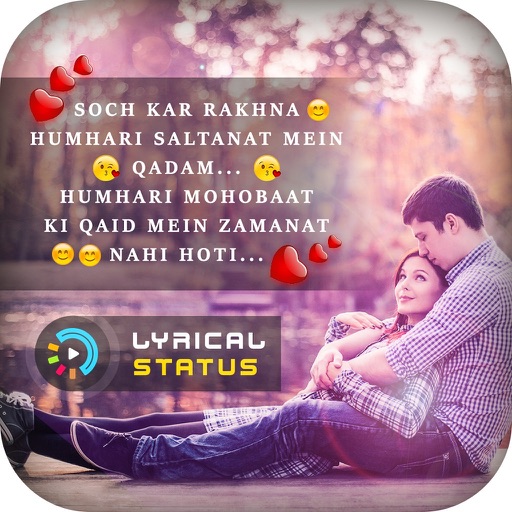
Create and edit videos with background music and lyrical templates. Add magic effects and name-based templates. Export and share snack-style videos directly.
by Laxay Gajera★ 4.225 ratingsEntertainmentFreeData updated 2026-09-06
Create videos using pre-designed templates with animated effects and flashy transitions. Add text, music, and filters. Edit clips, adjust timing, and apply transitions. Share finished videos directly to social media.
Create special videos using preloaded magic and stylish like fire, lightning, laser beams, and neon. Apply to videos or photos. Share finished edits directly with friends.
Create projects by adding background or remixing songs. Import videos and audio clips. Edit timing and sync audio with visuals. Share finished videos directly.
Create videos by capturing or selecting footage from the camera. Add from a regularly updated public domain library. Apply various effects. Export and share finished videos.
Create intros and outros for YouTube and iMovie videos. Add HD text to 1080P templates. Use 1000+ free HD templates, 100+ fonts, 1000+ musics, and 1000+ sound effects. Export videos in 1080P without blurred text or watermarks.
Create immersive videos with AI-driven special and editing tools. Add transitions, animations, and text overlays. Import footage from iPhone or professional cameras. Export in various formats for social media and other platforms.
Edit videos by selecting photos or clips, adding text, and using AI to generate content. Apply filters, adjust timing, and export for social media platforms. Share directly or save in multiple formats.
Create social media posts, graphic designs, and content with pre-designed templates. Add photos, text, and animations. Generate collages for Instagram stories and collages. Export and share finished designs directly.
Create intros, inserts, and film credits for videos. Use 49 customizable HD templates. Save intros to Camera Roll. Add professional-quality openings to movies. Edit and export directly from iPad or iPhone.
And share WhatsApp stories, photos, and videos. Create and download custom WhatsApp sticker sets. Manage multiple WhatsApp accounts from one . Display latest WhatsApp stories on home screen via widget.
Edit photos and videos with AI-generated anime styles, including facial enhancements and background effects. Apply filters, adjust colors, and add animated elements. Export edited content in various formats and share directly.
Create custom ringtones by extracting from videos. Trim or cut music clips and convert -video formats. Play files offline. Import videos from photo library or computer to make ringtones. Set custom ringtones for devices.
Yue-Jie Innovations Science and Technology Co. , Ltd.
Edit videos with AI templates
Edit videos with AI-powered tools and pre-designed templates. Trim and merge clips. Add text, music, stickers, effects, and transitions. Use Inspire Cam for professional-style shooting. Export final videos in multiple formats.