FP performs basic arithmetic, currency conversions, and unit conversions. Users can switch between dark and light modes. Split-screen mode is available on iPad.
Perform calculations with basic arithmetic, fractions, and advanced functions. Store calculation history for review. Switch between light and dark modes. Use HD display for clear results. Adjust layout for easier input.
Perform basic arithmetic, scientific calculations, and programmer-specific conversions. Save results to a history log. Switch between different calculation modes and unit conversions.
Solve math problems with basic and complex calculations. Convert units and exchange currencies. Use fractions and square root functions. Perform calculations quickly and accurately.
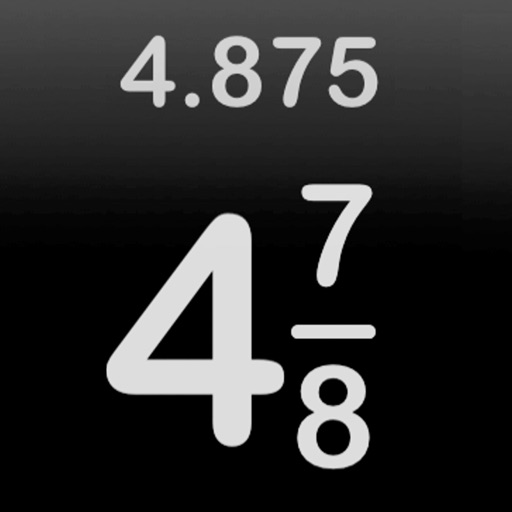
The app calculates fractions and decimals, supporting improper and proper fractions, mixed numbers, and whole numbers. It also offers fraction simplification and conversion to decimals.
The app offers ultra-high precision calculations up to 37 digits. It supports basic arithmetic, exponentiation, radicals, logarithms, factorials, permutations, combinations, trigonometric, hyperbolic, and integral operations.
Perform complex calculations using RPN input. Access advanced mathematical functions and programming capabilities. Store and recall values with memory registers. Use a redesigned interface for enhanced usability.
The app records every calculation step, allowing users to modify any step and recalculate without re-entering data. It functions like a printing calculator with a paper tape history for clarity and ease of use.
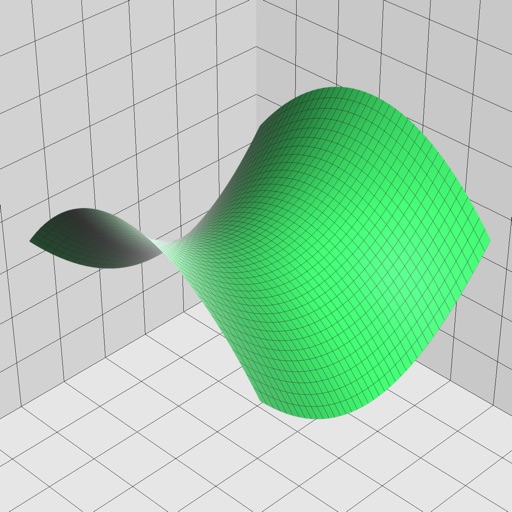
Enter and edit equations in mathematical notation. Visualize 2D and 3D graphs of explicit, implicit, and inequality equations. Adjust settings for display and analysis. Save and share calculations.
Perform calculations with fractions, trigonometric functions, statistics, and exponential/logarithmic operations. Use exam mode for test environments. Replace traditional calculators with this tool for math and science learning.
Access over 50 inputs in portrait mode. Save calculation history until the is closed. Edit, copy, and paste calculations from history or output. Paste clipboard content directly into the .
Calculate, add, subtract, multiply, divide, and percentage
Perform basic arithmetic operations including addition, subtraction, multiplication, and division. Calculate percentages and use memory functions like M+, M-, MR, MU, and GT. Includes square root functionality.
Perform complex mathematical calculations with up to 15 digits of decimal precision. Handle large numbers without ellipsis. Save and reuse calculation equations. Access calculation history even after closing the .
The app offers comprehensive unit calculations and complex number support. It includes powerful graphing capabilities and a wide range of functions for scientific and mathematical problem-solving.
Perform arithmetic operations with fractions, including addition, subtraction, multiplication, and division. Convert between improper fractions and mixed numbers. Adjust denominators and simplify results.