
SmartCalc Calculator
Edit calculations, copy results, paste inputs
Black & Grey Studios
iPhone Screenshots



Description
Access over 50 inputs in portrait mode. Save calculation history until the is closed. Edit, copy, and paste calculations from history or output. Paste clipboard content directly into the .
Free Features
All the functions you need, all in portrait mode
• Access over 50 unique calculator inputs without having to rotate your device
SmartCalc remembers so you don't have to
• Enjoy calculation history that sticks around until you close the app
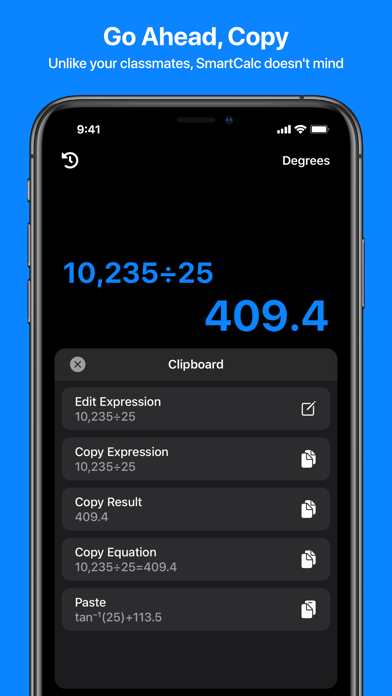
Edit, copy, and paste with SmartCalc's intuitive clipboard
• Edit or copy calculations from your history or calculator output
• Paste from your clipboard directly into the calculator
Speed up your calculations with powerful input capabilities
• Long press operators, functions, or parentheses to apply them to the entire expression
Personalize your experience
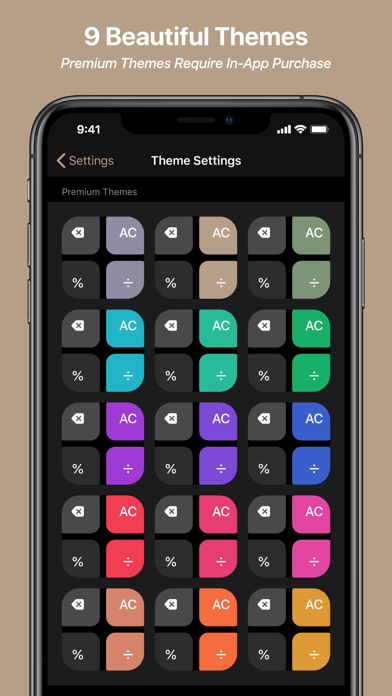
• Choose from 9 beautiful themes and app icons
• Rearrange the decimal, zero, and negative keys to match your desired layout
Pro Features
Smart Cursor & Trackpad
• Insert or delete from anywhere in the calculation
• Long press any number key to active the trackpad, or long press and drag the cursor itself
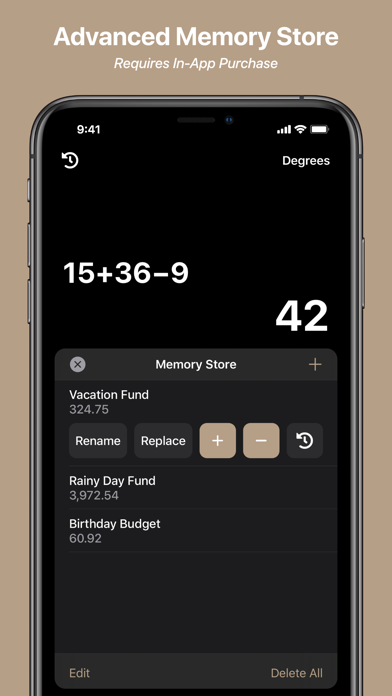
Advanced Memory Store
• Store an unlimited number of values
• Label stored values for easy identification
• Manage running totals using the plus and minus buttons
• View calculation history for each stored value
Permanent History
• Enjoy calculation history that sticks around until you delete it
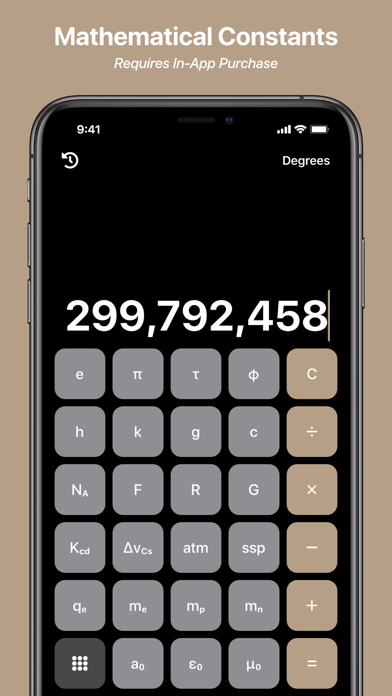
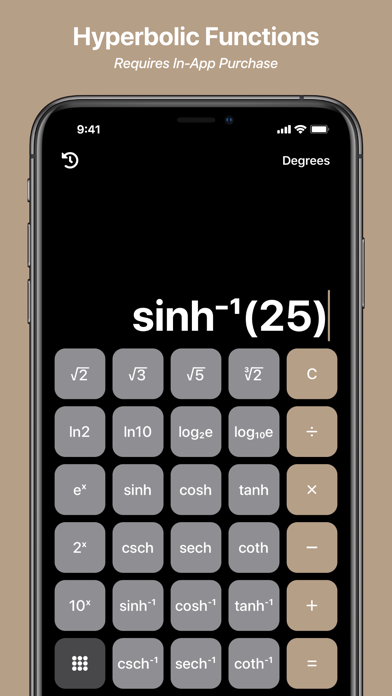
Mathematical & Physical Constants, Hyperbolic Functions, and more!
• Access over 20 mathematical and physical constants, 12 hyperbolic functions, and more with the advanced keypad
Premium Themes & App Icons
• Choose from an additional 15 beautiful themes and app icons
No Ads + Unlimited Access
• Enjoy ad-free, unlimited access
If you choose to purchase a subscription, payment will be charged to your iTunes Account at confirmation of purchase. Your subscription will automatically renew unless auto-renewal is turned off at least 24-hours before the end of the free trial or current period. Subscriptions with a free trial will automatically renew to a paid subscription, and any unused portion of a free trial period, if offered, will be forfeited when you purchase a premium subscription during the free trial period. Your subscription may be managed and auto-renewal may be turned off by going to your Account Settings after purchase.
For full Terms & Conditions, please visit our website: https://blackandgreystudios.com/terms-and-conditions.