Create freehand artwork from real-life images using AR technology. , , and paint over live camera views. Add text and stickers to drawings. Export creations in multiple formats and share directly.
Create animations using finger or Apple Pencil drawings. Access traditional tools like paint palette, auto-save, onion skin, brush, eraser, and frame controls. Duplicate, insert, and copy/paste frames. Export animations as MP4 files for sharing.
This sketch app allows users to import a photo as a sample to sketch a portrait. The app includes 23 brushes, a color picker, and pinch-to-zoom functionality.
Allows users to draw on their iPhone or iPad using 10 different pens, including ball pen, pencil, and brush. Users can create various line shapes and images. Drawings can be saved and shared directly from the device.
Capture photos and videos with real-time sparkling lens flares. Choose from star, snow, flower, and tree shapes. Add or remove glitter objects manually in photos and videos. Adjust sparkles in the photo album.
Explore from Behr, Benjamin Moore, Glidden, Sherwin-Williams, and Valspar. View multiple shades of each color. Save preferred to a list. Access detailed information about specific brands.
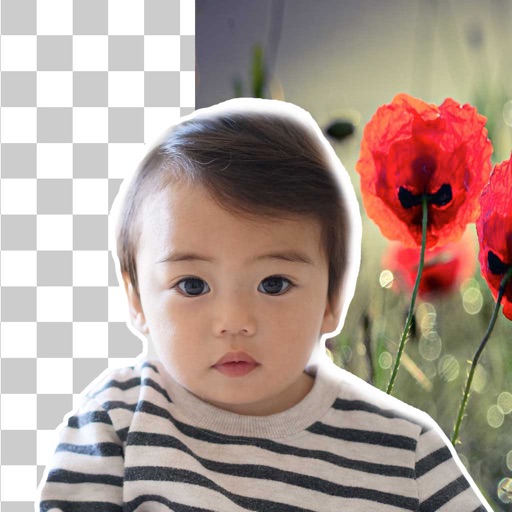
Remove backgrounds from photos using brush tools with adjustable size and hardness. Erase selected areas with undo and redo options. Add text with customizable font and formatting. Place edited photos on various templates.
Arthur Eduardo Skaetta Alvarez Desenvolvimento de Software LTDA.
Edit photos and unwanted content
Unwanted content from photos by selecting and painting over areas to . Use zoom and move tools to visualize the subject. Edit photos offline without internet connection. Save and share edited images directly.
The app offers a universal painting experience for all ages with 140 unique brushes and special drawing modes. Users can create artwork in seconds using a variety of colors and effects, with options for saving and exporting creations.