Store and manage passwords and passkeys securely. Encrypt and sync vaults across devices using iCloud, Google Drive, OneDrive, Box, Dropbox, NextCloud, WebDAV, or offline storage. Support passkey storage and syncing for -less access.
Generates time-based one-time passwords for 2-factor authentication. Users can add accounts, scan QR codes, and view token codes. Tokens refresh every 30 seconds and sync across devices.
FITNESS TRAINING GLOBAL ONE MEMBER COMPANY LIMITED
Secure photos, lock apps, block impostors
Securely store and manage private photos, videos, and documents in a hidden vault. Lock sensitive browsers, contacts, and accounts with a password. Save login credentials securely.
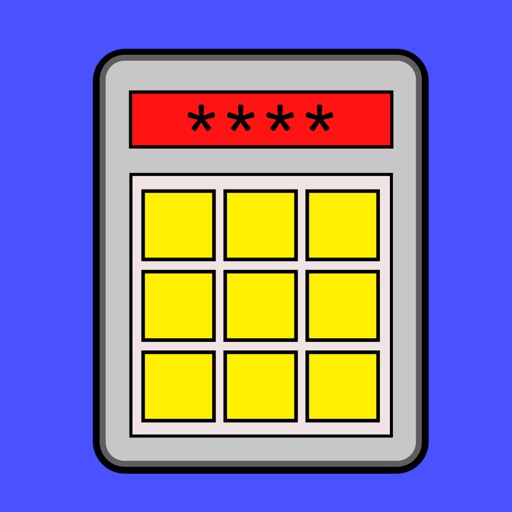
Functions as a calculator with a mode activated by a passcode. It securely stores browsing history and bookmarks within the , preventing access by other apps or devices. Users can browse privately and lock their history with a passcode.
Store credentials in an encrypted . Unlock with a Master , Face ID, Touch ID, or PIN. Auto-fill usernames and passwords across websites and apps. Log in with a single tap.
Manage two-factor authentication with OTP codes. Add accounts via QR scan or manual entry. Support multiple platforms including Instagram, , Facebook, GitHub, Twitter, Binance, and Salesforce. Enable biometric login for secure access.
Store photos, videos, and notes in an encrypted . Lock files with a password or biometric authentication. Sync content to cloud storage for backup. View and manage media within the secure .
The app provides a private space for photos, videos, documents, notes, and contacts, disguised as a calculator. Users can access their private world by entering a password on the calculator interface.
Generate complex passwords with customizable settings for length and character types. Store and manage passwords in an encrypted vault. Set master and enable secure encryption for sensitive data.
Generate strong passwords with customizable length and character types. Create and copy passwords directly. Share passwords via Notes, Messages, or copy to clipboard. No storage or transmission of passwords.