
Private Browser - Priver
Browse securely, lock history instantly
SUGURU OKUYAMA
iPhone Screenshots


Description
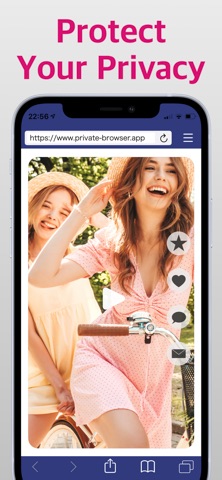
Functions as a calculator with a mode activated by a passcode. It securely stores browsing history and bookmarks within the , preventing access by other apps or devices. Users can browse privately and lock their history with a passcode.
Priver is a private browser that automatically locks and protects your browsing history and bookmarks.
• On the home screen, it appears with a calculator-style icon and name, and can be used as a regular calculator at launch.
• When you enter your passcode, the app switches to browser mode, allowing secure and private internet browsing with its built-in browser. Your history and bookmarks are stored only within the app and are never accessible to other apps or devices.
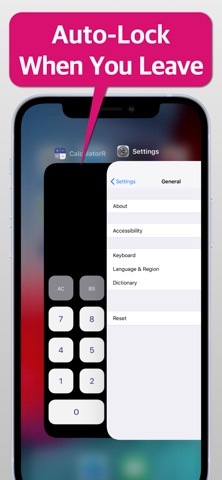
• When the screen is turned off or you return to the home screen, browser mode automatically closes and reverts to calculator mode, keeping your privacy safe even after use.
• No account registration or personal information is required — you can start using it right away.
Note:
On first launch, a tutorial explains how to set and enter your passcode. If you use multiple iOS devices, please complete the tutorial on each device.