Create custom resolution and aspect ratio masks with adjustable transparency and color. Apply frames to images or videos. Export with specified formatting options.
by 梓皓 唐★ 0.00 ratingsUtilitiesFreeData updated 2026-09-06
Edit photos with , light leaks, and frames. Add text and stickers. Share edited images on social media. Access monthly updated . Apply templates and adjust lighting. Export in multiple formats.
Create custom lists and share them with others. Set reminders and add recurring purchases. Collaborate on lists and view history. Add loyalty cards to track discounts and collect points. Manage pantry inventory and avoid missing essential items.
Create checklists in a tabular format with customizable cells for text, color, images, and links. Track task progress and manage schedules for comparisons, inventory, shifts, itineraries, and reservations. Export and share tables directly.
The app provides one-click access to Tumblr from the menu bar. It offers desktop and mobile modes, popup notifications, and stealth mode with adjustable transparency.
Create images by adjusting dot size and blending ratios. Apply rare effects to photos. Generate images similar to newsprints or street advertisements. Export and share modified photos.
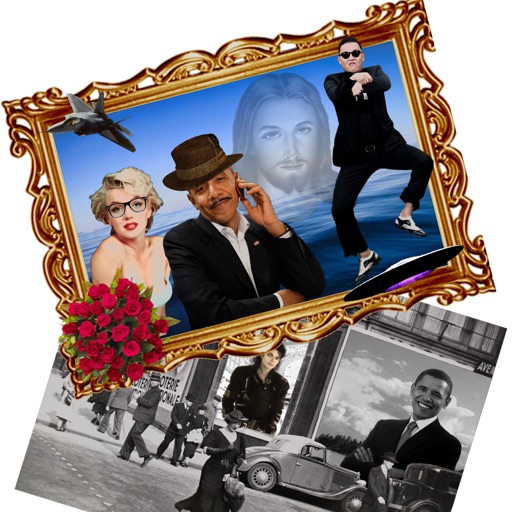
The app allows users to create new compositions from photos, drawings, and text. Users can add frames, text, and drawings to photos, modify them with filters, and combine elements to create new images.
Create live photo wallpapers and broken designs. Access a gallery of wallpapers. Convert videos into GIFs. Customize caller images. Subscribe for premium features with annual payment options.
Customize home screen with personal photos. Select and crop images for . Create albums in various sizes. Apply filters and add borders or frames. Share edited photos directly.
Set custom 4K wallpapers for lock and home screens. Choose from multiple design collections. Apply and change wallpapers easily. Enhance device appearance with high-resolution images.
Add date and time labels to photos with customizable position and font color. Edit photos without losing resolution. Automatically save edited images to the library.
Create a soft, customizable with adjustable brightness and color temperature. Set schedules for automatic on/off. Use as a reading , creative tool, or sleep aid. Sync with device settings for optimal nighttime visibility.
Edit photos with border, frame, text, and sticker options. Add custom textures or personal photos as design elements. Use high-resolution stickers to enhance creations. Export edited images in various formats.
Create screenshots for Store with customizable frame sizes for iPhone, iPad, and Mac. Adjust image positions, scales, and rotations. Combine multiple images and frames in one screenshot. Add titles and support Dark Mode.
The app allows users to create personalized postcards using photos, captions, and frames. It automatically uses the user's location and analyzes photos to customize the layout, offering filters, font choices, and color settings for an authentic look.
Edit photos with detailed controls including frames, filters, contrast, brightness, and saturation. Adjust images to create a classical atmosphere. Apply effects and save changes to the device's photo album.
The app allows users to create custom forms with various controls for data collection on mobile devices. It supports offline data entry and real-time data viewing, with capabilities for spatial analysis and data export in KML and CSV formats.
The app provides a full-screen flashlight, strobe light, safety light, and emergency light. It offers custom color options and adjustable settings for brightness, color, screen size, and strobe rate.
The app allows users to create custom manuals with names, descriptions, instructions, photos, and videos. Recorded manuals are displayed in a list and can be viewed by touching icons.