Create custom resolution and aspect ratio masks with adjustable transparency and color. Apply frames to images or videos. Export with specified formatting options.
by 梓皓 唐★ 0.00 ratingsUtilitiesFreeData updated 2026-09-06
Combine photos into a single collage with 50+ layout options. Add exclusive stickers, backgrounds, and frames. Adjust layouts, crop, and rotate images. Include text to personalize and share the final design.
Create and edit visual content using AI-powered tools. Generate images, videos, and designs with text prompts. Customize styles, colors, and layouts. Export and share finished projects directly.
Create invitations with customizable templates and background music. Add text, images, and animations. Export videos in various formats and share via social media or email.
The app offers personalized photo products including photo albums, frames, and calendars. It provides a service to automatically create photo books from registered images.
The app allows users to create custom wallpapers with 40 preset colors or customizable color settings. Users can add a calendar for one or two months to their Lock Screen or Home Screen.
Edit photos with professional filters, effects, and frames. Retouch images with powerful tools like spot healing and color correction. Adjust brightness, contrast, and saturation. Crop, rotate, and apply stickers.
Create caricature posters by editing character faces and adjusting size and ratio. Choose from available templates or design custom avatars. Add text and stickers to enhance visuals. Export and share final designs in multiple formats.
Add text to photos with caption, bubble, and thought bubble options. Choose from 6 free frame styles and multiple caption designs. Adjust text size, position, and appearance.
Create videos by transforming ideas into visuals. Animate static images into engaging animations. Convert text into videos by typing. Add voiceovers and background music. Edit frames, adjust timing, and export in multiple formats.
Resize and scale images for Lock Screen and Home Screen. Apply blur, custom colors, and image fills. Use shape masks for unique effects. Export customized wallpapers directly.
Design posts and stories with exclusive , stylish stickers, and retro frames. Add custom gradients and edit text formatting. Share directly to social media platforms.
Apply live selfie , 3D masks, and cartoon effects in real time. Use AR camera lenses and voice-changing effects. Record videos with creative tools. Transform faces instantly and save edited moments.
Edit photos with advanced filters, color adjustments, and mathematical transforms. Apply custom brushes and import Photoshop brushes, curves, and fonts. Repaint images and export in various formats. Share edited work on Instagram.
Compress videos using X264 codec with adjustable quality and speed. Trim, cut, and change resolution. Convert between formats. Merge videos into one. compressed files for sharing or storage.
The app offers drawing tools, color options, and frame management for creating animations. Users can export animations to video or animated GIF formats and share them.
Resize images by custom dimensions with aspect ratio lock. Crop using freeform or preset ratios. Compress files to reduce size without quality loss. Convert to JPG, PNG, HEIC, or WEBP formats. Rotate and flip images with quick options.
Convert videos into high-quality photos with original resolution. Capture still frames from videos for moving subjects like babies and pets. Save consecutive frames as separate photos.
MILKYWAY OYUN YAZILIM BILISIM SANAYI TICARET ANONIM SIRKETI
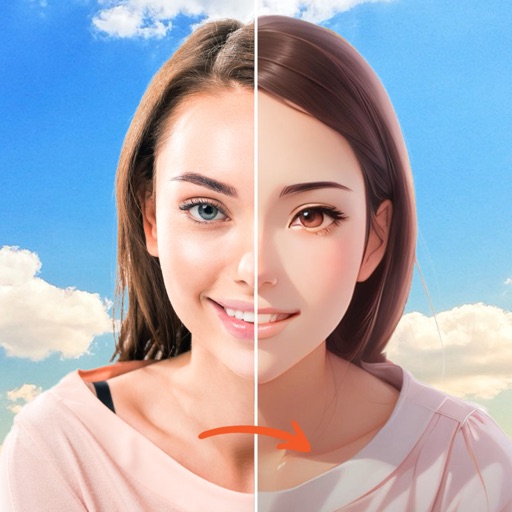
Swap faces, animate, and create videos
Create AI-generated videos by swapping faces in photos. Edit animations, adjust timing, and apply filters. Export videos to social media platforms. Share creations directly from the .