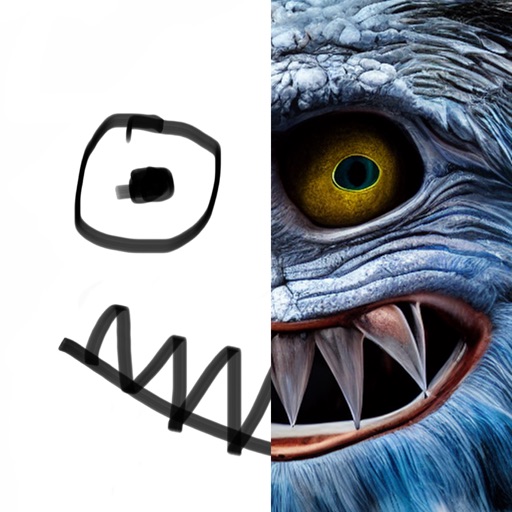
Create animated cartoon videos using frame-by-frame drawing. Doodle on different papers or over photos to build animations. Export as GIF or and share directly.
Edit photos by adjusting brightness, saturation, and contrast. Crop, rotate, and apply special . Draw on images, add text, and create graffiti. Share edited photos directly from the .
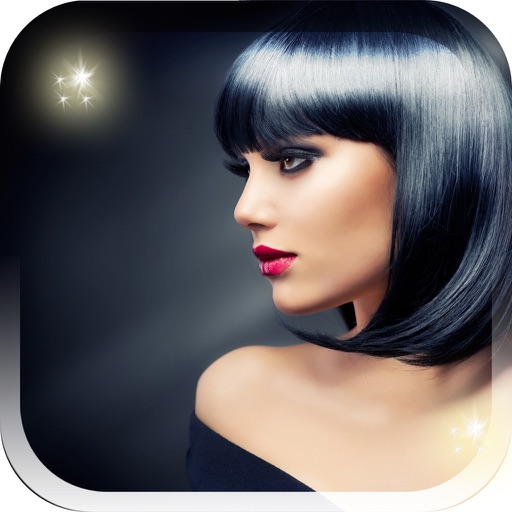
Try different from pop stars, talk show hosts, actresses, and reality TV stars. Apply looks to your photo or video. Share edited content with friends. View hairstyle details and inspiration sources.
Train observation and anatomy skills with timed figure sessions. Select pose duration, choose from photo galleries, and start immediately. A summary displays performance after each session.
Draw dots by pressing one finger, adjusting size based on press duration. Create lines and shapes with multiple fingers. Manipulate polygons by moving vertices. Export drawings in various formats. Share creations directly.
Draw with a brush that adjusts width based on finger movement speed. Create Japanese calligraphy or watercolor paintings. Select or capture background images. Save or export drawings to other apps.
The app allows users to create spiral drawings with colorful gears and rings. Users can import photos, use Apple Pencil, and draw hypotrochoids and epitrochoids.
Create that pop with sound, float across the screen, and fall due to gravity. Draw letters, numbers, and shapes with touch input. Interact by touching to move and explore simple drawing features.