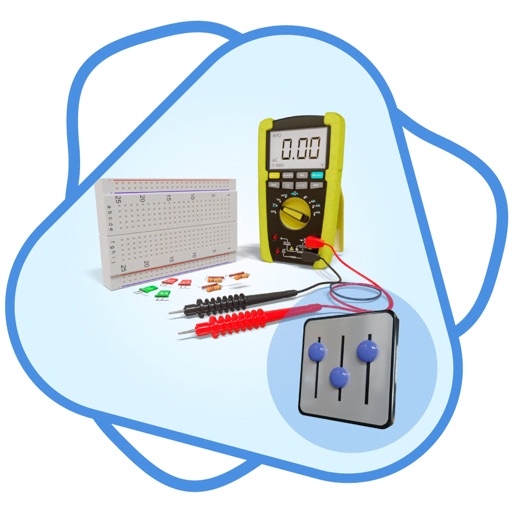
Design and test electronics projects in a virtual workspace. Simulate circuits using over 150 components and 1,000 reference boards. Adjust 3D models and view physics-based interactions. Export project data and share designs.
by Krueger Systems, Inc.★ 4.171 ratingsEducation$12.99Data updated 2026-09-06
Electrohelper allows users to access references for electronic components and circuits. It includes tools for calculating various filters like Butterworth, Sallen-Key, Chebychev, and Bessel. Users can view component details and circuit diagrams.
Build and simulate linear AC and DC circuits by dragging and rotating components. Calculate steady-state voltages and currents. View real-time DC current flow and review results with detailed analysis. Export schematics and solution data.
Explore augmented reality features to interact with a virtual Adabot on any surface. View pinout overlays for and third-party microcontroller boards. Learn electronics through interactive visual guides.
Study FAA Rating questions with 900+ practice problems and explanations. Create custom sessions based on topics and mastery level. Filter questions by figure use or E6B requirements. Access statistics and advanced features with a premium upgrade.
Review official Class FCC questions and answers. Take quizzes by topic and full practice exams. Track performance and progress over time. Study for the license with structured practice and feedback.
Fundamentals with detailed explanations on topics like electricity, voltage, current, resistance, and Ohm's Law. Explore components such as capacitors, diodes, LEDs, and tools like multimeters, voltmeters, and ammeters.
Help robots complete chores like cleaning oil spills and organizing parts. Fix the control panel and mend circuits. Explore hidden interactive areas and find the hidden robot mouse.
Practice exam questions with detailed explanations. Review subject-specific content including math, science, and verbal reasoning. Track progress and identify weak areas. Access study guides and practice tests for all exam sections.
Taihu County Tianxiang Education Technology Co., Ltd.
Practice tests, learn , track progress
Take full-length simulated tests to practice exam formats. Review vocabulary, grammar, and listening exercises. Track progress with detailed performance analytics. Access study guides and practice questions tailored for HSK and PSC exams.
Edit with a Sublime-like interface. Open and edit local and remote files via Dropbox, OneDrive, FTP, SFTP/SSH. Support multitasking, split-screen, and iPadOS mouse. Use Siri Shortcuts for automation. Enable multi-caret editing for efficient coding.
Detect and measure fields using the device's magnetometer. Identify objects by strength and proximity. Record and view data over time. Compare readings to baseline values for accuracy.