Lengths and areas using your mobile device. Select from multiple measurement modes including point-to-point and area. Save screenshots or measurements for later. Change units of measurement as needed.
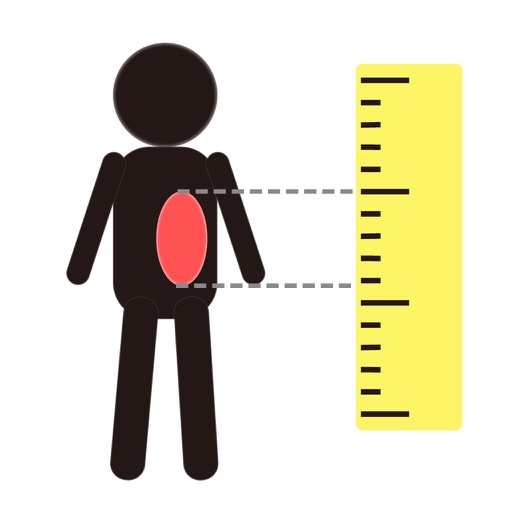
Objects, lengths, angles, areas, and heights using augmented reality. Switch between metric and imperial units. Take screenshots, use flashlight, and draw clear measurement lines. Perform single or chained measurements and estimate person height.
Distances between waypoints or calculate surface areas using map polygons. Set waypoints by tapping and holding. Choose units like kilometers, miles, or nautical miles. Access settings to change map type or view the manual.
Distances using Augmented Reality. Tap to place markers and calculate lengths. Undo measurements. Choose different colors for markers. Take screenshots. Switch between metric and imperial units.
Distances between two or more points on a map. Place markers to calculate straight-line distance. Sum total distance for multiple locations. View distance in kilometers or miles.
Measure distances using augmented reality or direct phone contact. Calculate surface areas and angles. Create floor plans and save measurements. Share results via email or messaging.
Measure lengths of objects up to 9 inches using your device's screen. Choose between inches or centimeters. Adjust measurements to include the device bezel. Tap two points to get precise distance readings.
Distances, heights, widths, and lengths using your phone's camera. Calculate area with the area tool. Save measurements, remove limits, and export data to Excel. Includes flashlight and screenshot features. No ads with premium subscription.
Measure distances by drawing routes on the map and calculating their length. Use a magnifier tool for precise line drawing. Switch between Move and Measure modes to set starting points or begin measurements immediately.