
iPhone Screenshots
Description
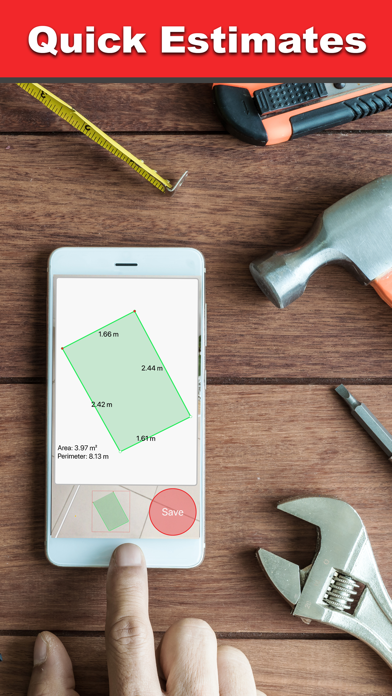
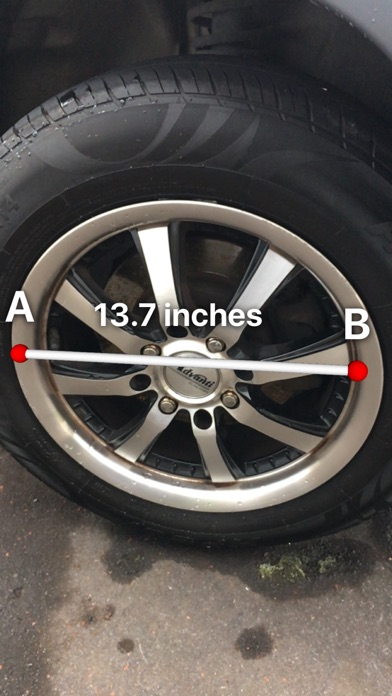
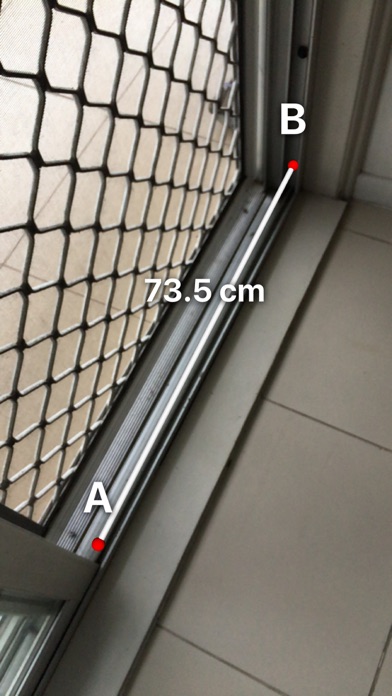
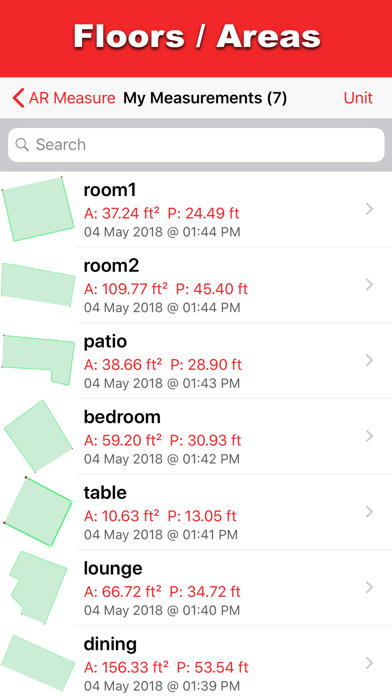
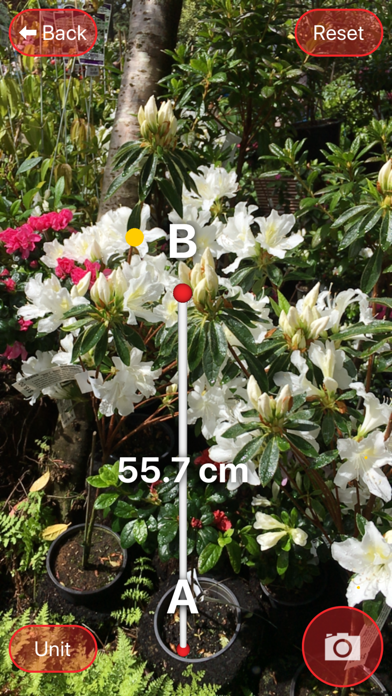
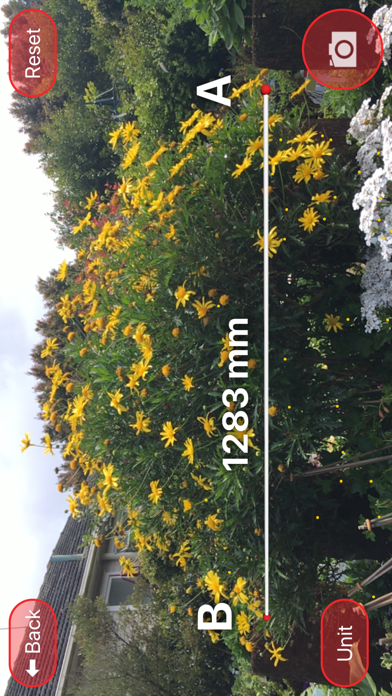
Lengths and areas using your mobile device. Select from multiple measurement modes including point-to-point and area. Save screenshots or measurements for later. Change units of measurement as needed.
Measure lengths and areas using only your mobile device! AR Measure is the quickest way to measure two points and area sizes.
Features:
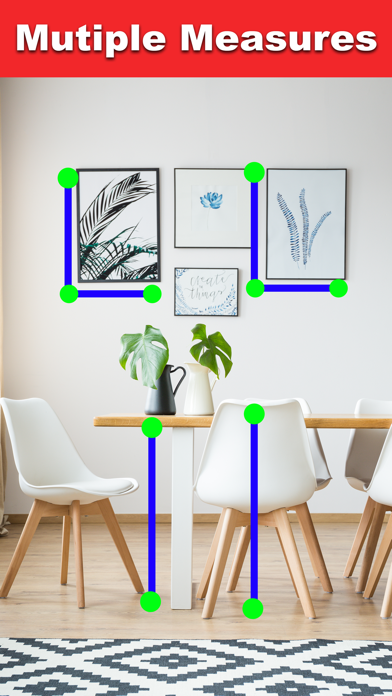
• Many modes of measurements including 4 A to B modes and 1 Area mode.
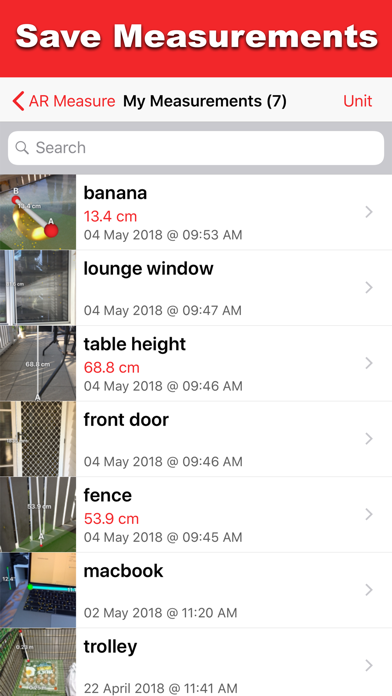
• Save your screenshots/areas in the app for later reference. Tap the Camera/Save button.
• Change the unit of measurement by tapping the "Unit" button.
Tips:
• Make sure the area is well lit.
• Get close to where you are placing your points.
• Keep your movements steady.