Apps Like Sticky Notes - Widgets pro for iPhone and iPad
Add , edit, and style home screen
Create home screen with customizable . Adjust background and text colors. Add, edit, or remove . Change font style and color for personalized appearance.
by Quoc Cuong Pham★ 4.432 ratingsGraphics & Design$0.99Data updated 2026-09-14
Edit photos by adding speech bubbles with 15 styles and customizable colors and fonts. Create collages with comicbook-style layouts. Share photos directly from the . Drag, rotate, and pinch elements for editing.
Edit videos by colorizing specific parts and adjusting brightness, saturation, and hue. Change of selected areas, adjust contrast and white balance, and apply vignette effects. Convert videos to black and white with retention in chosen details.
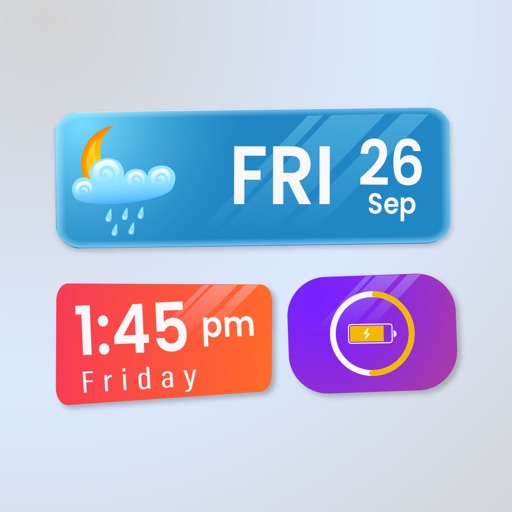
Widget King allows users to add dynamic to their home screen. Choose from sporty, racing car, cliff, bridge view, and aesthetic . come in three sizes. Users can customize and arrange on their iOS 14 home screen.
Create drawings with realistic pencil, marker, and crayon tools. Choose from bright and soft color options. Use notebook-style pages for sketching, doodling, or coloring. Save and share drawings directly.
Install packs with one click or design custom icons for home screen. Choose from multiple themes and prebuilt elements. Customize icons with text, backgrounds, and styles. Preview and save icons for later use. Edit and reinstall icons as needed.
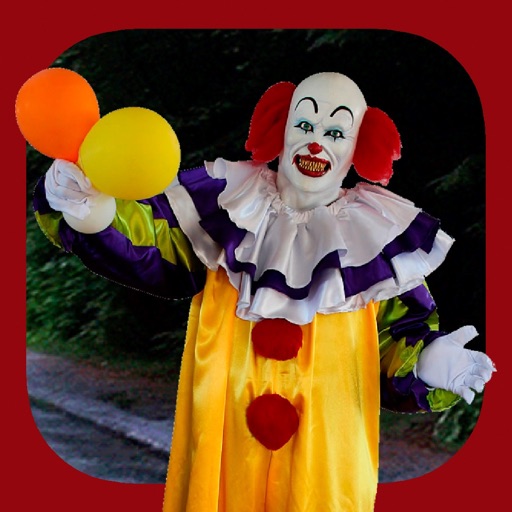
Add clown to photos for a scary effect. Choose from available , position them, and change background to black or white. Edit images using built-in tools and save or share the modified photos.
Edit photos with sky glow filter and relight features. Change background elements and remove or replace skies. Adjust sky tones and add effects. Export edited images in various formats.
Create custom and home with dynamic icons, quick launcher, countdown, battery, and health features. Edit using a simple editor. Choose from multiple styles and fonts. Add of various sizes.
Edit videos and photos with background addition for portrait or landscape formats. Apply blur effects without cropping. Share edited content via a new sharing screen. Access media across devices from a centralized library.
Edit photos by highlighting colors, removing or changing backgrounds, and blurring specific areas. Use healing and smoothing tools for precise adjustments. Create photo montages and export edited images directly.
Widgets allows users to add and customize widgets on home , lock , control center, and live activities. Widgets can be personalized with transparency modes and system optimizations.
Create and customize by stretching, breaking, and drawing on the screen. Add 2D and 3D objects. Use touch gestures to interact with the . Apply various textures and effects. Earn in-game currency through play. Share creations with friends.
Create customizable cartoon avatars with detailed appearance options. Choose from various styles and features to design characters for yourself or friends. Save and set avatars as profile pictures.
Create interactive video messages by adding custom backgrounds, animated effects, and ambient music. Customize transitions and text to reveal personalized messages. Share the final video directly.
The app allows users to create collages on square backgrounds and add text. Users can choose backgrounds, add photos, and customize text with options for font, size, color, transparency, and rotation.
Convert videos into Live Photos and set them as wallpapers. Customize background color or pattern. Adjust size and position. Share live wallpapers to . Supports Instagram Reel, TikTok, Facebook, and Snapchat videos.
Create thumbnails and intros for YouTube videos using 500+ templates. Add text with 200+ fonts and effects. Use 2000+ stickers and 500+ backgrounds. Remove photo backgrounds with AI cutout. Upgrade for advanced tools and materials.
Customize device icons with unique shapes and wallpapers. Add lock screen widgets for weather, contacts, quotes, and more. Set personalized backgrounds optimized for iPhone.