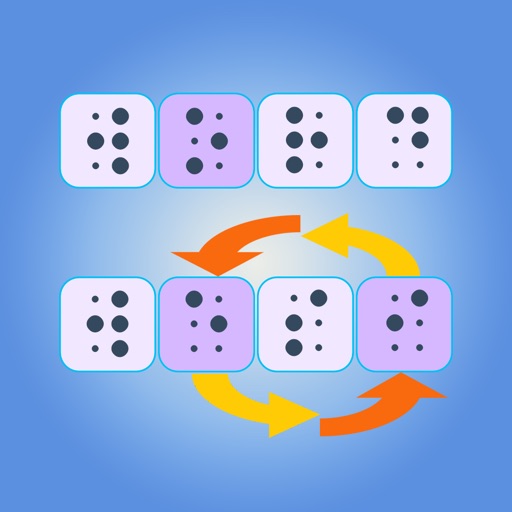
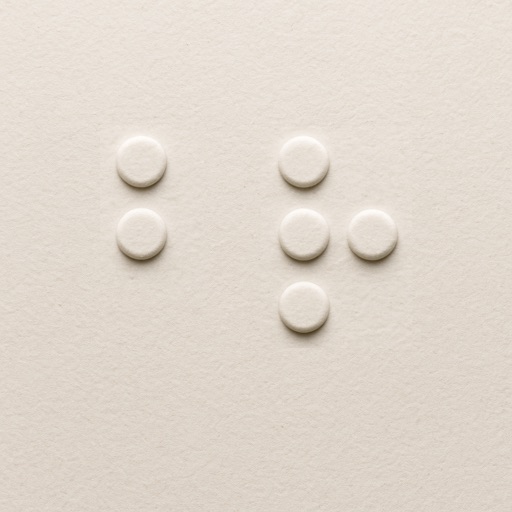
The app offers a 6-dot braille on-screen keyboard with support for various 6-dot braille codes. It allows for an indefinite number of 40-cell braille lines and includes cut, copy, and paste functionality.
The app offers math drills and practice for students of all abilities. It is self-voicing and accessible with VoiceOver, and includes a low vision mode for added contrast.
The app helps users practice Cantonese braille through listening and typing exercises. It incorporates color-coded keys and numbered buttons to assist users with low vision in understanding braille structure.
Allows plotting of polar, cartesian, and parametric equations with unlimited expressions. Users can add sliders for function transformations, create tables for data input, and animate graphs.
The app converts standard text into Braille code. It supports Literary Braille, which represents English letters and numbers as seen in standard writing.
Learn using tactile-inspired flashcards. Explore all 26 letters with visual dot patterns. Flip through to test memory. Shuffle for varied practice. View high-contrast designs for clarity.
Enable text customization for improved readability. Adjust font styles, sizes, and spacing to accommodate , dysorthography, and dyspraxia. Modify documents and apply formatting for better text clarity.