Create photo collages, scrapbooks, greeting cards, calendars, albums, and posters. Choose from 50+ templates. Add photos, adjust layouts, and customize designs. Share finished projects with friends and family.
Manage photos with a clear timeline to highlight memorable days. Create collections to organize and share moments. Edit images and videos with lighting, contrast, and color adjustments plus 16 filters.
The app provides a dedicated library for screenshots, making them searchable and organized. It offers professional device frames for polished assets and includes markup tools for annotations.
The app measures disk performance by writing and reading large blocks of data. It certifies disk performance for video work and displays results over time.
Customize lockscreen and homescreen with high-resolution and frames. Rotate and select top and bottom frames. Use custom calendar designs. Apply full HD for both screens.
The app compresses videos to make them messenger friendly. It saves device space by reducing video file size and allows users to play and save compressed videos.
Create movies by combining short and rearranging them. Add multiple texts and background music from the or your own files. Adjust brightness, contrast, exposure, hue, and sharpen settings for each clip.
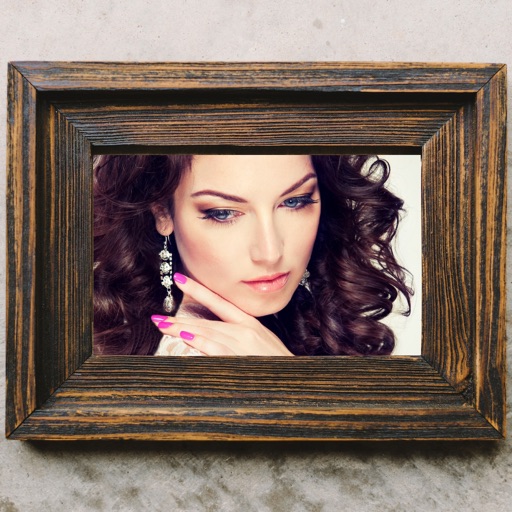
Edit photos with New and Christmas frames. Add text, stickers, and effects. Share edited photos directly to social media or messaging apps. Adjust brightness, contrast, and saturation for enhanced visuals. Export in various image formats.
Select and apply unique to images. Choose photos from gallery or camera. Rotate and scale as needed. Save, share, or set photos in gallery. Display all saved photos in a list.
Create art with layers, animation, and onion skinning. Import color palettes from Lospec or use built-in options. Zoom with pinch, draw with tap, and view mini-previews while dragging. Sync with Aseprite for file transfer.