Capture images or select from the gallery. Add text boxes and annotations like lines, circles, crosses, ticks, and polygons. Create reports with notes and sync them to the cloud for team access and editing.
Crop and resize images. Adjust brightness, contrast, and saturation. Remove blemishes and red-eye. Add text, stickers, and borders. Export in various formats and share directly.
The app offers a digital canvas for idea sharing and distance learning. Users can annotate and sketch on a whiteboard or over live video, import images, and manage saved whiteboards.
Create collages by taking overlapping screenshots and cropping them together. Use an automatic image stitching feature for vertical layouts. Save collages to the photo library or share them with other apps.
Create social posts with templates and editing tools for Instagram, Facebook, LinkedIn, Twitter, and TikTok. square or story-sized content, add text and graphics, and export directly to platforms. No skills required.
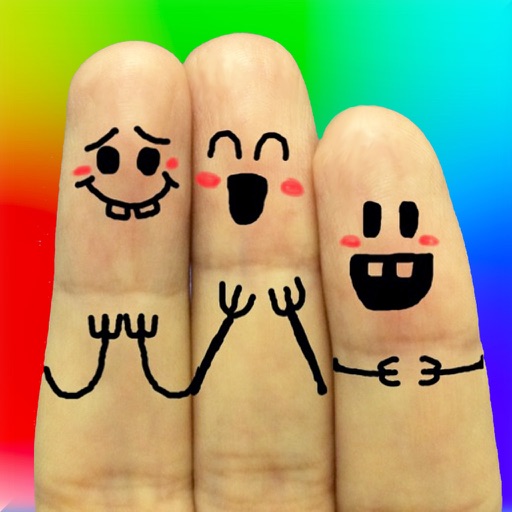
The app allows users to create finger faces using photos from their camera roll or by taking new pictures. Users can add faces, items, stickers, and text, or draw their own creations.
Edit photos with crop and rotate tools using templates. Apply LUT to change the mood. Adjust colors with color curves. Add blur in various styles. Use basic tools for contrast, brightness, and vignette.
Edit photos with body transformation tools, one-touch filters, and cropping. Apply mosaic and blur effects to background. Add vignette. Adjust and share edited images directly.
The app allows for real-time video instruction and analysis. Users can capture video, review it in slow-motion, and mark up clips with notes and drawings.
Save and chat history from any messaging . Convert screenshots into editable using AI-powered OCR. as , PDF, or image. Archive for legal, personal, or business purposes. Share exported files directly.
The app calculates areas of uploaded images by allowing users to set a drawing scale before outlining a shape's perimeter. It supports multiple drawing layers for summing areas and displays results in imperial and metric units.