Coloring allows users to select from 100 original illustrations and paint them with brushes. Users can adjust colors, save favorite palettes, and add shadows. Share completed artwork with others.
by GlobalGear Co. Ltd.★ 4.73 ratingsGamesFreeData updated 2026-10-09
By allows users to select and images based on numbered sections. Features include choosing from floral, mandala, and animal designs, following numbered guides to fill in colors, and completing artwork.
Pages feature mermaids and underwater scenes. Users can select colors, draw freely, and save creations. Includes drawing tools and eraser. Export drawings or share via social media. No ads or in- purchases.
Is a logic and color matching game where players replicate target patterns by coloring grid cells. Users select colors, plan steps, and match shapes precisely.
Paint the walls, floor, and yourself while navigating mazes. Slide through puzzles with touch controls. Challenge friends to compare progress. Customize colors and patterns for each level.
Solve to improve memory. Select images, drag and drop pieces into place. Customize difficulty levels and track progress. Share completed via social media.
Solve with sizes from 4x4 to 12x12. Select scenes to assemble. Use a toolbar for puzzle pieces. Adjust puzzle difficulty. Track progress through completed . Share completed via social media.
Receive a new shape daily to use as a creative foundation. on the shape with customizable colors and tools. Save, share, or export artwork in various formats. Access daily prompts to inspire artistic exploration.
Create pixel art by selecting images of varying sizes and difficulty. Choose from a large collection of free images or design custom pixel art. Paint by number with pre-colored sections and customize colors. Save and share completed artwork.
Choose coloring pages from a gallery or convert photos into pixel art. pixel-art images by numbers. Create mosaic puzzles piece by piece. Earn achievements for completed pictures. Discover new artwork regularly.
A multilingual peekaboo game for infants and toddlers features animated animal illustrations and sounds. Users tap to reveal , hear animal sounds, and interact with playful animations.
Create from photos by selecting an image and dividing it into pieces. Customize difficulty and layout. Share completed with others. Track progress and revisit previous .
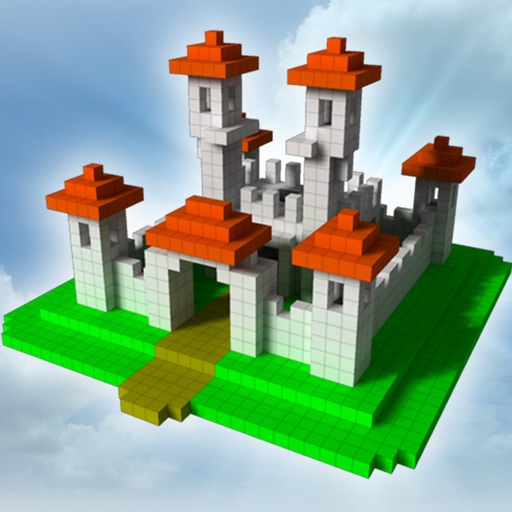
The app allows users to build creations in 3D by adding and arranging blocks. Users can change colors with paint and fill tools, and control the camera with zoom and rotation.
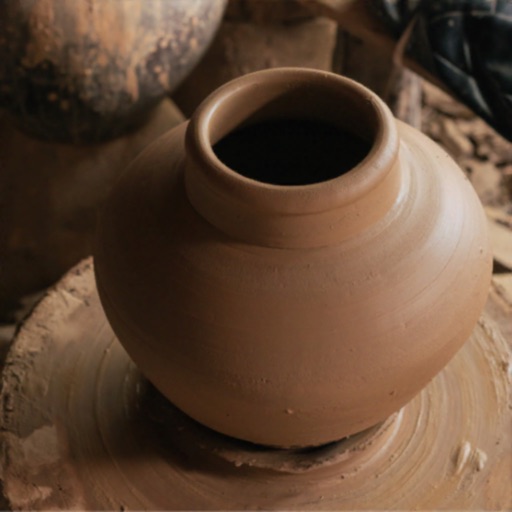
Create by dragging and molding the shape. Bake the pot to prepare for design. Add colors, patterns, and stamps to customize the artwork. Save finished creations to the device gallery.
Color balls into tubes by tapping to select balls and moving similar colors to empty tubes. Add more tubes with help. Complete levels by grouping all balls correctly. Track progress through multiple puzzles.
Allows users to fill in images with customizable colors. Drawing lets users create artwork using touch-based tools. Puzzle Image enables users to assemble pre-cut images. Word Fill helps learn animal names by completing missing letters.
Jigsort® Puzzle allows users to solve brain teasers by rearranging puzzle pieces. Features include selecting and rotating pieces, matching colors and patterns, and completing HD images.
Explore puzzles, numbers, shapes, and colors through interactive games. Match objects, sort by size, and identify shadows. Complete stacker puzzles to reinforce early learning skills. Track progress and repeat challenges for continued practice.
The app offers over 350 hand-drawn pictures for coloring, supporting hand-eye coordination development. It automatically saves progress and allows saving finished pictures to the Photos library.