Control RGB and WW CW lights with color and brightness adjustments. Sync colors to music rhythms. Access pre-set modes with adjustable speeds. Set timed switches for automated lighting changes.
Create by painting individual pixels. Adjust canvas size, select colors, and customize border settings. Erase, undo, and resize drawings. Save artwork to gallery and storage. Share completed pieces others.
Create custom fonts by drawing letters with handwriting. Choose animation colors and brush settings. Support multiple languages. Switch styles and themes. Use fonts in messaging apps like WhatsApp and iMessage.
Select colors from photos or via camera. Convert colors between RGB, HEX, CMYK, and other formats. View CSS and RAL color lists. Test for color blindness. Save and edit color values. Supports Afrikaans, Arabic, and Bangla.
Take a photo and tap on a color to identify its name. View color codes and compare shades. Save and share color swatches. Use for selecting paint, wallpaper, or decor.
Calculate with a dual-line display showing input and result simultaneously. Use percentage and backspace functions. Choose from 18 color themes. Enter multi-line equations. Automatically format scientific expressions. Access via Split View.
The app provides 1000 unique color filters and 98 grid filters for photo editing. It allows users to record videos with filters and supports live photos.
The app turns an iPad into a ruler for measuring small objects. It offers imperial and metric scales, adjustable ruler lines for comparison, and various color schemes.
Arthur Eduardo Skaetta Alvarez Desenvolvimento de Software LTDA.
With one touch
Using AI to add color to black and white images. Import from camera or photo library. Adjust color intensity with a slider. Save or share the edited image.
Displays percentages for paint. Users take a photo, touch a point to identify the target , and view the required ratios of cyan, magenta, yellow, black, and white to achieve that . Provides a for plastic model painting.
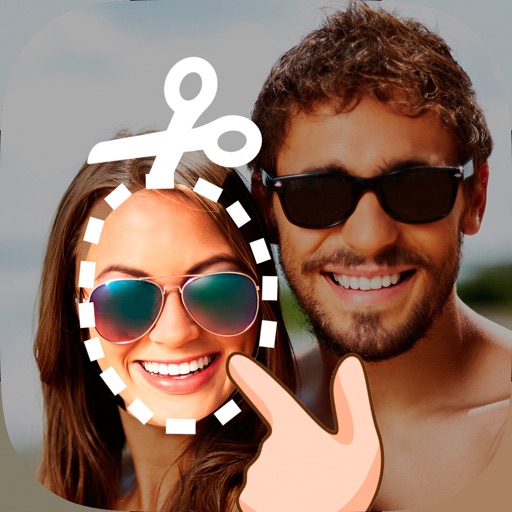
Edit photos by cutting and pasting faces, removing backgrounds, and deleting unwanted people. Add missing faces to photos. Use the silhouette head tool to select and edit elements. Export edited images directly.