Apps Like Calligraphy - Art Maker for iPhone and iPad
Create with brush tools
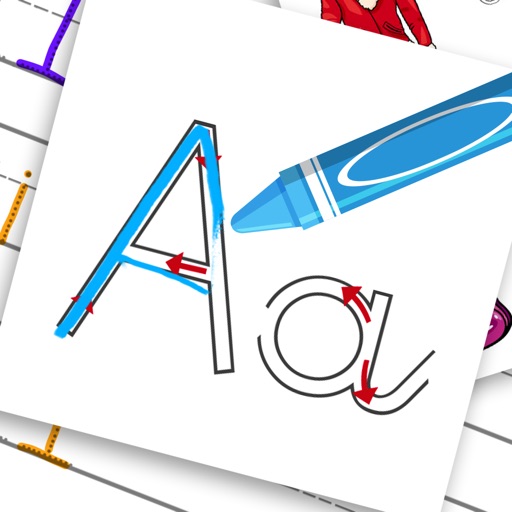
Learn basics through guided lessons on letter formation and stroke techniques. Practice tracing and writing letters with on-screen tools. Access alphabet guides and stroke exercises to improve lettering skills.
The app provides high-resolution Islamic wallpapers, including religious sites and calligraphy. Users can save wallpapers to their device for home or lock screens and view them in full screen with zoom functionality.
Edit photos with filters, light overlays, and aesthetic design elements. Crop, resize, and add borders or shapes. Create collages with multiple layout templates. Include stickers and share edited images on Instagram or Facebook.
Practice letters with tracing and connect-the-dots exercises
Through interactive alphabet games and worksheets. Trace letters, connect dots, and color pages with animals and objects. Practice handwriting and vocabulary with guided activities.
Edit photos with background removal, object elimination, and AI-style transfer. Add text, stickers, and custom fonts. Generate AI art, create flyers, and apply effects. Export in various formats and share directly.
Create collages using hundreds of templates, layouts, and design options. Add effects, text, and stickers to photos. Share finished projects directly to social media accounts. Edit images with cropping, filters, and adjustments.
Add date, time, GPS location, and custom captions to photos. Apply stamps directly in the Photos . Share stamped photos via email or social media. Adjust stamp appearance and position.
Create custom emojis using a variety of components like eyes, mouths, and backgrounds. Customize colors and styles. Save and share created emojis. Collaborate with others to design and exchange unique sets.
Create handwritten greeting cards using Apple or real pen input. Add photos, text, and embellishments. Customize card layouts and save or share finished designs.
Draw with pencil, brush, eraser, marker, and pen. Customize brushes with texture and fill colors using a bucket tool. Add text and shapes to drawings. Change backgrounds with color, texture, or images. Use grid for guidance and mirror for faster .