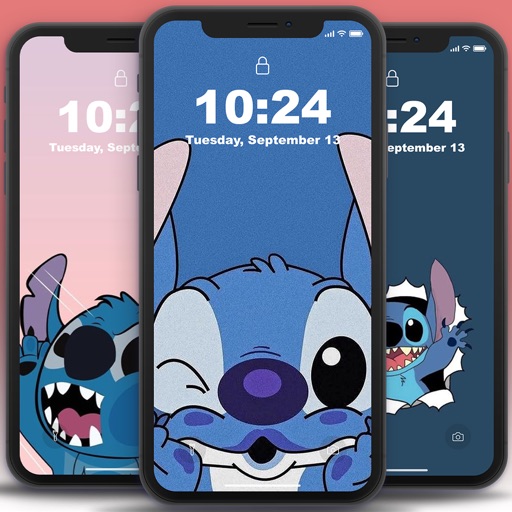
Create a widget that integrates with the wallpaper. Select and trim images from the Photos . Set trimmed images as wallpaper with perspective effect disabled. Add widgets to the home screen and adjust their position by editing.
by Shen-Wen Yang★ 4.51,484 ratingsGraphics & DesignFreeData updated 2026-10-04
Customize iPhone home screens with themes, widgets, and icons. Change wallpapers to 4k static or live moving images. Modify icons and add lock screen widgets. Apply pre-designed themes or create custom ones.
Customize phone screen with widgets and wallpapers. Add images, text, and other elements to widgets. Mix and match wallpapers and widgets for unique design. Decorate phone with one tap.
Add to home and lock screens with customizable layouts. Choose from numerous design themes and wallpapers. Set up personalized scenarios for widget content. Edit widget details and appearance. Share or download additional resources.
Customize lock screen with interactive , weather, battery, and launcher options. Add dynamic island with pets and plants. Choose from 1000+ 3D space wallpapers and themes. Enable liquid glass effects and dynamic control center customization.
Personalize with featuring photos, date/time, and alarm countdowns. Add and customize images with intervals and blur effects. Edit and arrange photos, set widget backgrounds via camera, and adjust fonts and colors.
Customize home and lock screens with fully editable widgets. Add elements, select data sources, apply effects, and arrange layouts. Assign widgets to screen slots for personalized information displays.
Customize home screen with by adding interactive elements like Control, Transparent, Text, Photo, Date & Time, , Weather, Zen, Greetings, Music, and iBoard . Display system info, weather, and calendar data in one place.
Customize home screen with and wallpapers. Download and install for favorite apps. Replace default with personalized options. Set wallpapers for iPhone home screen. Install via easy installer feature.
Customize home screens with high-definition 3D wallpapers and widgets. Apply pre-designed themes with one click. Save and switch between sets and combinations. Adjust quick settings directly from the home screen.
Add calendar and clock widgets to the home screen for schedule management. Select photos from the album to personalize the desktop. Include weather widgets for real-time condition tracking. Customize widget appearance and layout.
Add aesthetic and functional widgets to your home screen. Choose from pre-designed options or create custom widgets with an editor. Access various widget types including photo, countdown, weather, and quotes.
Clean your phone by removing duplicate photos and screenshots, deleting large video files, and merging duplicate contacts. Test network speed and view device information. Add a widget to check download speed, RAM, and storage space.
Customize home screen with widgets, icons, and wallpapers. Choose from various widget styles including landscape, universe, and cartoon. Adjust fonts, text colors, and backgrounds. Select themes that include matching wallpapers, widgets, and icons.
Customize lock screen with , themes, and wallpapers. Add GIF animations and icons. Choose from 2000+ icons, 500+ , 80+ fonts, and 200+ themes. Sync with iOS 17 for updated features.
Customize iPhone home screens and lock screens with themes, wallpapers, and widgets. Choose from warm, cartoon, neon, and trendy styles. Add interactive widgets for quick access to data. Apply designs with simple tap gestures.
Set home and lock screen with high-resolution images. Choose from static and animated options. Customize wallpaper settings for optimal display. Share via social media or messaging.