Create and edit musical compositions using a grid-based sequencer. Customize , program notes, and play back sequences on piano and fretboard diagrams. Adjust music theory settings and visualize chord progressions.
by Fraser Mackenzie★ 0.00 ratingsMusic$6.99Data updated 2026-10-03
Practice techniques with finger exercises and chord progressions. Adjust string tension and tuning. Play along with built-in songs and track progress. Simulate real feel with responsive controls.
Play rhythm-based games with customizable tracks. Tap notes to create melodies. Adjust tempo and volume. Save and share custom compositions. Track progress and unlock new themes.
Create tracks using chord-based loops. Play along with pre-set chord progressions. Adjust tempo and key. Export audio files. Sync with MIDI devices. Record and edit performances. Share tracks directly.
Access and tune guitar strings with real-time pitch detection. View and play chord diagrams. Explore scales and progressions. Adjust tuning settings and save custom presets. Sync with iOS devices for advanced tuning and playback features.
A competitive game with a grid-based to place four tokens in a row. Answer questions in categories like Trivia, Math, and Geography. friends, against the computer, or use Game Center for opponents. Track progress and compete in real-time matches.
Practice - with interactive exercises and note identification. Learn to recognize notes across the fretboard. Track progress and improve accuracy over time. Focus on rhythm and harmony through targeted drills.
Play with an 88-key and 7 octaves. Choose from 5 instruments and adjust sound settings. Resize keys and save custom configurations. Practice lessons or play live. Export music recordings.
Edit musical scores with note input, equal pitch conversion, and embellishments. Add lyrics and emoticons. Transpose , adjust dynamics, and record creative ideas. Play back scores and export in various formats.
Find chord diagrams for guitar, ukulele, and mandolin. Enter chord names to view different voicings or adjust diagrams to identify new chords. Hear how each chord sounds. Supports alternate tunings.
Turn analog piano into a digital instrument by recording and converting piano music to MIDI. Convert existing music files on your device. Edit MIDI files in music production apps.
Create and customize a using block-based coding. Bring the 3D model to life with augmented reality. Learn coding concepts and develop computational thinking skills through interactive gameplay.
The app offers 400 Arrow Words puzzles with four difficulty levels and varying grid sizes. It features three visual interfaces and optional sound effects for an engaging crossword experience.
Play piano with 24 realistic notes and adjustable screen sizes. Use educational mode for easier learning. Record audio as MP3 and share on social media. Track played in a registration list.
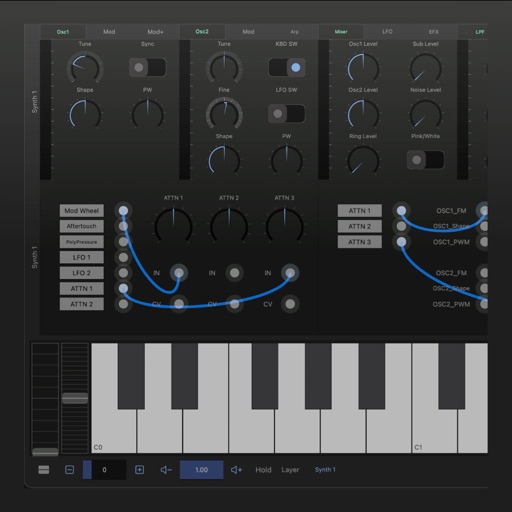
A synthesizer with 16 voice polyphonic capabilities. Users can create sounds using two oscillators per voice, adjust ADSR envelopes, apply filters, and control amplification. Includes effects, a sequencer, and audio visualization.
The app provides a chord reference and learning tool for seven instruments including piano, guitar, and ukulele. Users can explore, hear, and play chords, adapting progressions to their vocal range or desired key.
Create and customize sounds using FM synthesis technology. Adjust parameters to shape tones and effects. Play back and record synthesized music. Export audio files for use in other applications.
View and edit charts, lyrics, and tablature for or piano. Transpose keys, enable autoscroll, and create diagrams. Export as PDF or print. Add custom songs by title and artist. Share charts directly.
Create and edit complex rhythmic patterns with independent sequence lengths for each drum voice. Generate polyrhythms and polymeters. Export sequences for use in AUv3 hosts or external drum machines.