Control speakers, select inputs, configure devices
Configure and control multi-room systems. Group listening zones, select speakers, and manage input sources. Stream to different rooms simultaneously. Adjust settings for personalized device configuration.
Connect compatible speakers wirelessly for audio playback. Customize speaker settings and control volume. Receive software updates and access product support through the .
Control speakers and soundbar with one . Access favorite music, playlists, and streaming services like Spotify, Apple Music, and Amazon Music. Play, pause, and adjust volume remotely. Manage music sources and set up multi-room playback.
Control volume and select inputs for Yamaha Bars. Play audio files from phone or NAS via Wi-Fi. Adjust volume for wireless surround speakers and subwoofer. Set up Alexa voice control.
Stream from Hi-Res sources with high audio quality. Connect to audio devices for synchronized playback. Adjust settings for optimal sound field on each device. Control connected audio equipment remotely.
Control noise cancellation levels on QuietComfort headphones and earbuds. Adjust equalizer settings and manage connected devices. Pair and manage speakers, soundbars, and amplifiers. Monitor battery life and firmware updates.
Control Apple Music, , or Apple TV from an iPhone or iPad. Browse music, movies, and podcasts. Create and edit playlists. View upcoming songs. Search your entire library. Connect directly to Mac or PC.
Control multiple ® speakers to play synchronized or different music in various rooms. Browse and play music from Spotify, Pandora, Amazon Music, TuneIn, SiriusXM, iHeartRadio, Deezer, and more. Adjust volume and balance across speakers.
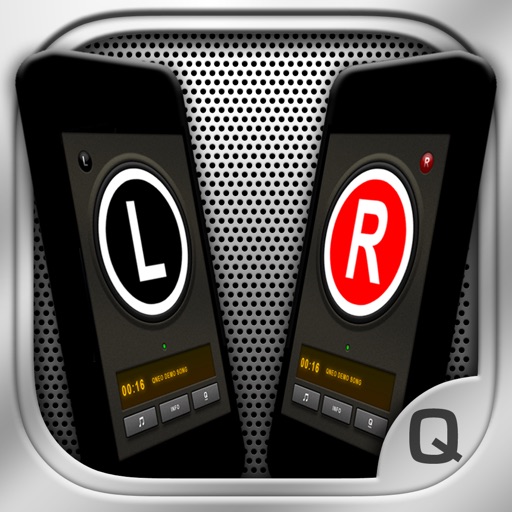
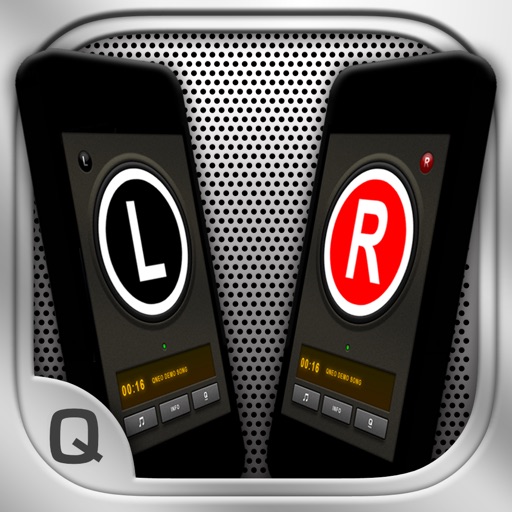
Create a speaker system using two devices on the same WiFi network. Play music from one device's library on both. Connect devices via the , receive a welcome message, and select songs to play together.
Connect to compatible JBL speakers for stereo pairing or party mode. Control playback and volume directly from the . Access equalizer settings and firmware updates. Manage speaker settings and battery status.
Stream music from Internet radio or music services. Control playback across multiple rooms. Play the same song in all rooms or different songs in separate rooms. Add speakers to expand sound coverage.
The app allows users to create a wireless stereo speaker system using two iPhones or iPads. It enables live audio streaming between devices and offers adjustable stereo effects, with optional double-display skins and beat-synchronized visuals.
Control compatible and Elite devices to play music in individual or all rooms. Adjust volume, select input sources, and manage playback settings. View device status and access playlists directly from the .