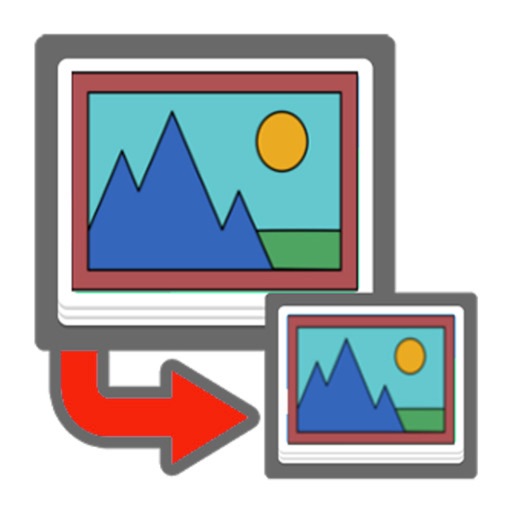
Resize photos while preserving the ratio of main objects using content-aware rescaling. Crop or adjust dimensions without losing important content. Export edited images in various formats.
by Yushi Yan★ 5.07 ratingsPhoto & VideoFreeData updated 2026-10-01
Combine multiple photos into customizable frames or collages with 55 adjustable templates. Add rounded corners, effects, shadows, and patterns. Choose colors using an easy color picker. Save projects and share via Facebook, Email, or Twitter.
Create collages by combining photos and videos. Generate AI-powered videos from text or images. Edit clips with trimming, filters, and transitions. Export videos for Instagram, TikTok, YouTube, Facebook, and Pinterest.
Resize photos with batch processing for multiple files at once. Use smart crop tools with customizable aspect ratios. images to reduce file size without quality loss. Rotate and flip photos for correct orientation.
Resize images to standard resolutions for social media, presentations, or printing. Adjust dimensions manually or use predefined options. Support multiple formats including JPG, JPEG, PNG, PDF, TIFF, BMP, GIF.
Edit GIFs by cropping, resizing, and adjusting speed and timeline. Create boomerang effects and meme-style animations. Export and share customized GIFs directly.
Edit photos with blending tools to create double exposure effects. Add frames, quotes, and background elements. Apply single-layer filters. Export edited images without ads. two images with one touch.
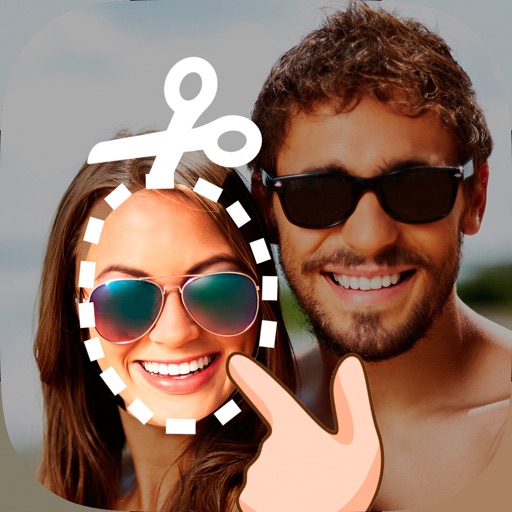
Edit photos by cutting and pasting faces, removing backgrounds, and deleting unwanted people. Add missing faces to photos. Use the silhouette head tool to select and edit elements. Export edited images directly.
Compress images to reduce file size and save storage space. Convert between JPG, PNG, WEBP, GIF, and JPEG formats. Resize images automatically. Optimize photos for faster phone performance and lower storage usage.
Create photo collages by combining 2 to 9 images into one. Adjust size, position, and layout. Choose from various templates and styles. Add stickers, frames, effects, and patterns. Share finished collages directly.
Create professional images for social media, professional sites, and messaging apps. Upload or capture photos, apply filters, adjust lighting and background, and crop images. Save and share edited profiles directly.
The app calculates aspect ratios, pixel counts, and scale for images. It allows users to resize images to exact dimensions or frames, preview results, and export assets in various formats.
Edit photos with and vintage effects like lights, Miami Filter, and UV. Apply gradient map-based for night lighting. Create abstract designs with colored glass effects. Adjust brightness, contrast, and color balance.
RAY INFORMATICS YAZILIM TEKNOLOJI MEDYA DANISMANLIK VE EGITIM TICARET LIMITED SIRKETI
Enhance, restore, and upscale photos
Edit photos with unblurring, enhancement, and upscaling tools. Restore damaged or faded images. Adjust clarity and sharpness. Save and share edited photos directly.