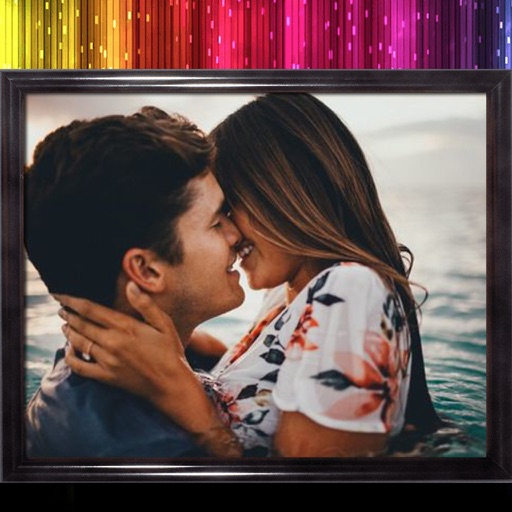
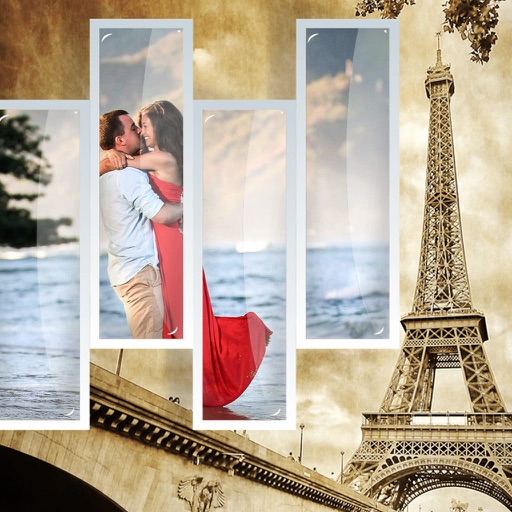
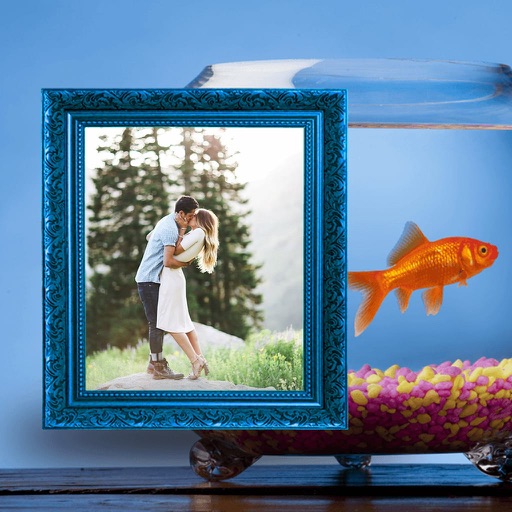
Edit photos by applying multiple effects and choosing from various stylish frames. Adjust image position, size, and angle finger gestures. Save and share modified photos directly.
Block ads and trackers with real-time filtering to enhance and . Prevent unwanted online clutter for a faster browsing experience. Manage settings to customize blocking preferences and protect browsing history.
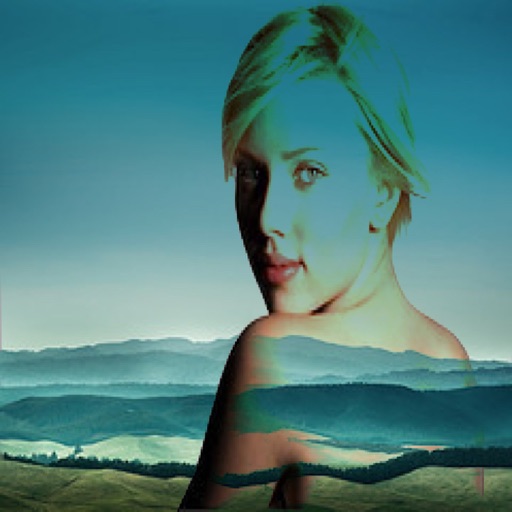
The app allows users to combine two images using various blend modes. Users can select photos from their device or the web and adjust layer transparency.
The app converts selected photos to grayscale, sepia, or custom colors. Users can then add color by painting over desired areas with their finger, utilizing paint and eraser modes.
Organize contacts by removing duplicates and merging entries. up calendars by deleting expired events. Delete duplicate photos and videos using AI. Access secure private for sensitive files. View charging animations during battery use.
Create artistic images using 50+ custom templates. Crop and frame photos into symbols, words, or shapes. Share finished images to Instagram, Facebook, Flickr, Tumblr, and Twitter.
Organize photos, remove duplicates, categorize images
AI helps users free up device storage by identifying and removing duplicate photos, categorizing images, and cleaning up screen recordings and large videos.
Create oil paintings from photos with brush stroke effects, color blending, and texture layers. Adjust lighting and shadows. Save and share final artwork in high resolution.
The app creates customized postcards using photos from the Photos app. Individualized captions and messages can be added, and the postcard can be sent via email, text, or social media.
Create books with photos, videos, text, and audio. Add music and narration. Edit and rearrange content. Share stories via email or social media. Collaborate with others to build shared narratives. Export stories in multiple formats.
Create collages by combining multiple photos into a single framed image with captions. Add 2D and 3D effects. Share finished collages on social media platforms like Facebook, Twitter, and Flickr.
Edit photos with enhancement tools, effects, and frames. Add stickers and overlays. Crop, rotate, and adjust brightness, contrast, and saturation. Remove blemishes and red eye. Apply color splash and sharpen or blur images.
The app converts photos into pencil sketches for coloring. Users can import pictures from photo albums, the camera, or Flickr, and color them using touch controls.
The app allows users to create DSLR-quality photos with blurred backgrounds and bokeh effects. It features an easy editing process with a selection tool and loupe for detail-oriented editing, and users can adjust the bokeh level.
Edit photos by selecting from the gallery or capturing new ones. Apply various and effects. Adjust image position, size, and angle. Save, share, or upload photos to social media platforms like Facebook, Twitter, and email.