Edit photos using contrast, saturation, and brightness tools. Apply free and custom filters. Share edited images to social media or save in high resolution. Collaborate with other photographers in a community workspace.
Edit videos by merging and combining clips, creating slideshows, and adding music. Apply filters and effects like Glitch, Retro, and VHS. Adjust tone with contrast and brightness controls.
Edit photos with customizable HDR settings including effects, brightness, contrast, temperature, and hue/saturation. Capture high-resolution HDR photos in one click. View and manage HDR images in a dedicated gallery.
Apply color-correction filters to videos and photos. Adjust exposure, contrast, and color balance. Access 7 built-in filters with examples from 6 sets. Load media as a digital negative for detailed editing. Save all 6 filter sets for a limited time.
Capture high-quality photos with resembling DSLR functionality. Adjust focus, exposure, and other settings via gesture-based interfaces. View focus peaking and use a 4x magnifier for precise focusing. Display minimum focus distance for macro shots.
Capture photos and videos with retro film filters and analog textures. Adjust exposure, contrast, and grain. Apply vintage color effects and scan-to-video conversion. Share edited media directly to social platforms.
Filters, adjustments, and effects. Apply blur, focus, and rotation. Add stickers, text, and on images. Crop, resize, and enhance . Remove blemishes and whiten smiles. Save or share edited images.
Capture photos using various modes including Photo, Burst, Slow Shutter, Portrait, and 3D. Record videos at VGA, 720p, 1080p, or 4K Ultra HD. Use shutter release options like Self-Timer, Anti-Shake, Screen Shutter, and Interval.
Edit photos using one-tap presets for instant style. Adjust brightness, contrast, and saturation manually. Crop, rotate, and straighten images. Add text, stickers, and borders. Export edits in various formats and share directly.
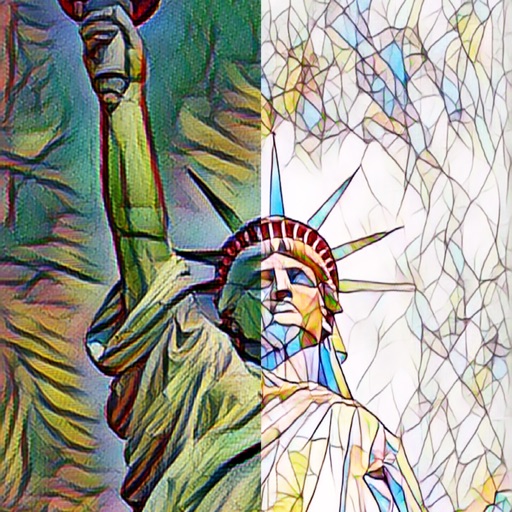
The app automatically corrects photos and offers numerous filters and styles. Users can save high-resolution images for printing and share them across various social networks and platforms.
Edit photos with advanced tools like layers, masks, and adjustment brushes. Crop, rotate, and resize images. Add text, stickers, and special effects. Export in various formats and share directly.
Capture photos with manual controls for ISO, shutter speed, and flash settings. Apply authentic tones and grain. Export images in high-quality formats. Adjust exposure and focus manually. Share photos directly from the .