Automate repetitive clicks and multi-clicks on websites, social media, dating sites, or games. Create and save custom sequences with adjustable frequency and duration. No registration required.
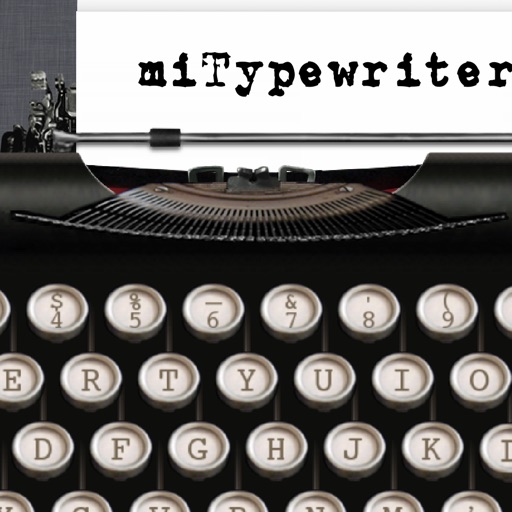
The app presents a typewriter interface on an iPhone or iPod Touch. Users can manage documents, email content as text or images, and utilize features like a backspace key and external keyboard support.
Customize with 15+ options and personal photos. Choose from 100+ fonts and designer styles. Use advanced auto-correct and suggestions. Access emoji, emoji art, and custom layouts. Manage privacy by restricting chat access.
Turn your smartphone or tablet into a wireless for your Mac. Connect quickly without technical setup. Use touchpad controls with swipe, scroll, and tap gestures. Control your device from across the room during presentations or tasks.
Calculate sales tax and discounts with percentage-based equations. View calculation history for reuse. Adjust tax settings via swipe. Customize rounding preferences. Choose from multiple color themes. Perform basic arithmetic operations.
Offers a larger keyboard layout with big keys for comfortable typing. Supports one-handed use. Provides secure typing without full access. Features a familiar layout for easy use.
Change default keyboard font with customizable options. Select and apply unique fonts for messages, bios, and social media. Create themed keyboard wallpapers. Customize game nicknames and send styled text messages. Sync fonts across devices.
Provides a full-width on-screen keyboard for iPhone and iPad. It displays word suggestions across the entire width, not just the center. Keys for numbers and symbols are positioned for easy access.
Edit with a Sublime-like interface. Open and edit local and remote files via Dropbox, OneDrive, FTP, SFTP/SSH. Support multitasking, split-screen, and iPadOS mouse. Use Siri Shortcuts for automation. Enable multi-caret editing for efficient coding.