Create photos using AI-powered smart filters. Adjust exposure, contrast, and saturation. Apply style presets or customize filters. Save and share edited images directly.
by Dmytro Hrebeniuk★ 4.818 ratingsPhoto & VideoFreeData updated 2026-09-27
Edit photos by swapping faces using AI technology. Adjust facial features and apply filters. Copy faces from one image to another. Create realistic or humorous -over effects. Share edited images directly.
Record videos in 4K up to 60 fps and 1080p up to 240 fps. Adjust shutter speed, ISO, and white balance manually. Apply high-fidelity audio tools and professional filters. Edit footage with precision and export in various formats.
Edit videos with overlays, aesthetic effects, and filters. Add sound and music. Create vlogs, social media reels, and cinematic clips. Export edited videos in various formats.
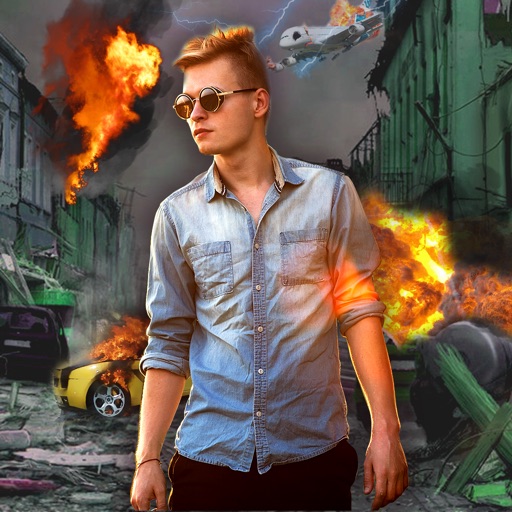
Edit photos with -themed effects like explosions, bomb blasts, and action stickers. Apply customizable FX frames and VFX filters. Decorate images to resemble posters. Share edited photos directly.
KUPERTINO BIL. YAZ. HALIL IBRAHIM KARAHAN SAFFET ARSLAN MUSTAFA AYTEN MUHAMMET YALCIN OZDEMIR K. S.
Record videos and photos
Record photos and videos with palettes, night vision enhancements, and infrared moods. Adjust intensity and contrast to enhance visuals. Switch between , night vision, and infrared modes instantly.
Edit photos with filters, filter mix, and creative shape effects. Apply mirror and mask tools. Create photos without cropping. Design grids and add funimate effects. Share directly to Instagram.
HIGHTECH TIBBI GORUNTULEME VE TEKNIK SERVIS SANAYI TICARET LIMITED SIRKETI
Edit photos and videos with AI filters
Create AI-generated baby images from two selfies. Try on virtual outfits instantly. Generate user-generated content videos featuring avatars. Apply advanced AI filters and effects. Edit and share AI-created content directly.
Create animated photos by selecting elements to freeze or animate. Apply a variety of effects and filters. Export in multiple formats. Share directly from the .
Edit photos with color effects, convert images to grayscale or apply custom colors. Adjust hue, saturation, contrast, and sepia tones. Save and share edited images directly.
Remove backgrounds from images and create transparent or colorful alternatives. Edit colors, apply filters, add borders, and include text. Save edited photos as high-quality PNG or JPEG files.
The app allows users to capture long exposure, light trail, and low light photos. It offers features for adjusting exposure, creating motion trail effects, and modifying brightness, contrast, and color after shooting.
Enhance photos with brightness, contrast, and saturation adjustments. Apply , add stickers, frames, and splash. Crop, rotate, flip, and remove red eye. Draw and paint on images. Add text with multiple fonts. Tilt shift and focus available.
Edit photos using AI-powered tools for -style art. Apply body enhancements, gender swaps, and themed filters. Adjust facial features and background elements. Export and share edited images.
APPAS SOLUTIONS, SOCIETATEA CU RASPUNDERE LIMITATA
Check appearance with -like clarity
View your face in a -like interface with adjustable zoom. Apply face filters and edit photos without saving. Save edited images to the iPhone gallery. Use enhanced filters to improve photo quality.
Edit photos with a wide range of aesthetic and stylish filters created by professional photographers. Adjust brightness, contrast, and saturation. Save and sync edits across all Apple devices. Export in various formats and share directly.
Take selfies with pip effects and apply filters like sepia and vintage. Create collages and edit photos with various effects and frames. Select images or capture new ones and enhance them with pip features. Share edited photos directly.
Turn photos into -style artwork with AI filters and cartoon effects. Adjust styles, add artistic enhancements, and export edited images. Share results directly to social media or save for later.
Apply age-changing filters to photos to visualize future or past appearances. Adjust aging levels manually. Upload images to test age regression or forward aging. Save and share edited results.
Take photos with a -style interface. Adjust zoom by swiping left and right. Fine-tune focus and exposure settings. Capture images with enhanced clarity and precision.
Edit photos with filters, backgrounds, captions, and stickers. Add themed frames for holidays, birthdays, and milestones. Create collages and apply special effects. Share edited images directly.