Edit photos by adding consistent spacing for a uniform appearance. Select images from the photo library, apply filters, crop, and resize. Adjust spacing with a slider and preview on a mockup. Choose from multiple background colors.
by Thomas Lojko★ 4.810 ratingsGraphics & DesignFreeData updated 2026-09-27
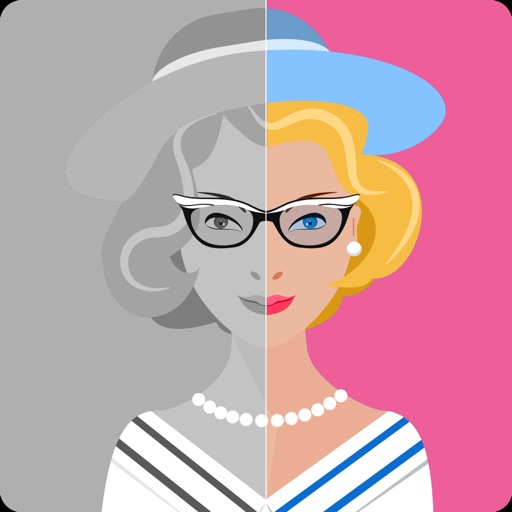
Edit photos with AI , 30+ lipstick color options, and skin smoothing tools. Remove blemishes, adjust brightness, and apply natural makeup effects. Save and share edited images directly.
Design sublimations, edit assets, and print projects
Create custom designs using premade templates and editable assets. Add SVGs, shapes, fonts, stickers, and backgrounds. Export designs for printing and share via email or social media.
Create posters and flyers with customizable templates, drag-and-drop elements, and text formatting. Add images, logos, and graphics. Choose from various layouts and export in multiple formats for print or digital use.
Plan and visualize formations with real-time collaboration across devices. Animate transitions in 3D for realistic stage previews. Sync movements to music with precise count alignment. Share and edit choreography instantly with team members.
Stylize photos using over 500 AI art styles from various movements. Edit and retouch images with professional tools. Work offline with on-device AI models. Keep data private with no cloud storage. Export edited images in multiple formats.
Posters, flyers, and banners for events, business, and social media. Choose from over 25,000 templates. Add text, images, and graphics. Customize colors and fonts. Export and share designs directly.
Edit images with blending effects and premade templates. Crop, rotate, and adjust . Access advanced controls for detailed editing. Save and share edited images directly.
Capture photos using a built-in camera and save them to selected albums. Create double exposures or use booth mode. Organize media into albums and browse for specific images. Edit photos with filters, cropping, and adjustments.
Edit photos and videos with gradient filters, color effects, and vintage styles. Apply effects during recording. Save and share edited content directly.
Using AI to create depth in photos. Upload images from the camera roll. Select or mode. Apply customizable effects including default, radius, motion, zoom, box, surface, and bokeh. Adjust settings for precise results. Export edited photos directly.
Edit photos with , effects, focus, frames, stickers, and text. Crop, adjust orientation, enhance images with Hi-Def, Scenery, Food, Portrait, or Night modes. Apply stylized , add stickers and overlays, and remove red eye or blemishes.
Enhance quality by unblurring, restoring clarity, and fixing low-resolution images. Create AI-generated avatars from selfies. Apply artistic filters and adjust colors. Export edited photos in various formats and share directly.
Edit photos with text addition, drawing tools in multiple colors, and cute icon placement. Crop images using various ratios. Export edited photos in different formats.
Create custom watermarks by adding logos, copyright symbols, or personalized designs. Choose from various fonts, clip art, and colors for customization. Apply transparent backgrounds for seamless integration into photos and videos.
Remove backgrounds from images and create transparent or colorful alternatives. Edit colors, apply filters, add borders, and include text. Save edited photos as high-quality PNG or JPEG files.
Remove backgrounds from images using AI technology. Edit and generate new backgrounds. Create transparent images for social media, e-commerce, and design projects. Tap to remove backgrounds automatically.
Create and Instagram carousels with customizable templates and drag-and-drop editing. Add text, stickers, and filters. Export and share directly to social media. Adjust layout for seamless swipe-through viewing.