Control network-enabled devices with functions. Stream music wirelessly to compatible speakers. Manage playlists, play, pause, and adjust volume directly from the .
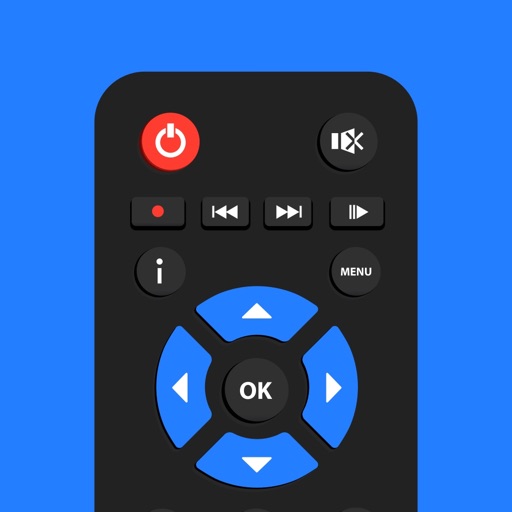
Turn your iPhone or iPad into a control for Smart TVs. Navigate menus with a touchpad and keyboard. Adjust volume, play/pause, and switch channels. Automatically detect and connect to compatible TVs.
Control TV and devices remotely via Wi-Fi. Navigate menus, adjust volume, and access key functions. View a simple interface for quick operations. Compatible with all TVs and devices.
TV functions with a . Adjust volume, change channels, and navigate menus. Customize button layouts and save multiple device profiles. Supports major smart TV systems and over 100 TV brands.
Multiple audio and video devices including TVs, Blu-Ray players, and streaming devices. Adjust volume across all connected devices. Access a comprehensive code library for various brands. Follow an online setup guide for easy configuration.
Control Roku device remotely via Wi-Fi. Navigate channels, adjust volume, and manage playback. Access keyboard for text input. View and control screen mirroring sessions. Manage playback settings and system menus.
Replace your physical with a smartphone for TV or Stick. Control playback, adjust volume, and navigate menus. Connect directly to your device for simple, intuitive functionality.
Control playback and manage playlists for supported media players. View song information, lyrics, and cover art. Connect to a Windows PC via WiFi. Adjust volume and navigate tracks remotely.
Control your TV with touchpad navigation and full remote functionality. Access expanded channel options and enjoy ad-free viewing. Subscribe for enhanced features and automatic renewal.
Browse the web a customizable toolbar and search bar. Open websites and play videos directly. Delete cache, cookies, and history quickly. Use dark mode for reduced eye strain. Block pop-ups and redirects. Access incognito mode for private browsing.
The app allows operation of compatible Sony receivers and connected components. Users can control receivers by connecting them to a network and the same network as the device running the application.
Manage multiple NextDNS accounts and configurations. Monitor connection status and view detailed analytics. Filter and search query logs in real time. Enable or disable NextDNS via Shortcuts. Add notes for allow or deny lists.
Control TV functions with a fully functional . Connect devices on the same Wi-Fi network. Access channel shortcuts for quick navigation. Use a fast keyboard for searching. Maintain stable device connections.
Connect to TV for remote control. Navigate using arrow keys for TV interaction. Manage TV apps from the remote interface. Adjust volume with responsive controls. Requires same Wi-Fi network for connection.
Your Sam TV with an iPhone . Connect to Sam TV via Wi-Fi and navigate using on-screen buttons. Search for available devices in the same network. Access YouTube and Netflix directly. No setup required after initial connection.