Monitor energy consumption and generation in real time with detailed visualization of solar, battery, and grid flows. Track energy usage across home, battery, grid, and virtual wallbox. Store energy data for up to 2 years for long-term analysis.
by Maria Meisel★ 4.25 ratingsLifestyleFreeData updated 2026-09-27
Monitor system performance and control battery storage
Monitor solar production, home energy use, and battery power flow in real time. Track historical performance and consumption data. Adjust battery settings and control system functions remotely.
Monitor live home power consumption and track solar production and battery capacity for PWRcell system owners. View energy cost and consumption data in real time. Sync with Home Energy Monitor for detailed insights.
Control smart thermostat, camera, and sensor devices. Set up new devices with guided instructions. Customize thermostat schedules for energy efficiency. Create automations for home security and comfort.
Monitor battery cell voltages, temperatures, and current flow. Balance cells to equal voltage during charging. Control charge and discharge via signal relays. Supervise the entire battery pack for optimal performance.
Track vehicle performance with real-time drive and charge data. Monitor battery health and efficiency. Access comprehensive car reports for maintenance insights. Manage charging sessions and optimize energy use for cost savings.
Customize Apple with complication-based designs and wallpaper-style options. Install designs with few taps. Add activity, battery, weather, and date complications. Choose live-style for dynamic displays.
Find nearby charging stations and initiate charging sessions. Monitor charge progress and session details in real time. Set energy demand preferences to optimize charging efficiency.
Control lighting, climate, entertainment, and security from a single . Set automation routines, monitor energy usage, and adjust settings remotely. Manage smart home devices and track power consumption in real time.
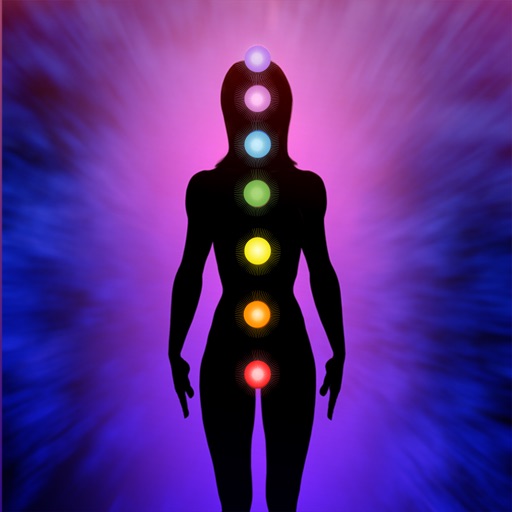
The app offers hypnotherapy tracks for healthy chakras and energy. Users can experience positive thinking, mental clarity, better sleep, and less stress.
The app allows remote monitoring of solar, battery, and power usage in real time. It provides instant alerts and performance optimization from a smartphone.
The app provides real-time tracking of power generation, consumption, and energy storage status. It supports one-click device access and personalized energy management plan settings.