
iPhone Screenshots
Description
Did you install solar panels on your roof?
And are they connected to an inverter built by SolarEdge?
If so, you can use this app to monitor the energy flows in your home from your Apple Watch!
The app not only displays how much power and energy your solar panels are generating, but if you have a meter and battery, it also shows the power consumption in your home and the charging level of your home battery.
The app includes multiple complications for your watch face.
Using those, you can see today's amount of generated solar energy and the current output of your solar panels, right on your watch face.
And if you have a meter, the same goes for today's amount of consumed energy.
If you have a home battery, there is also a complication for watching that battery's charging state.
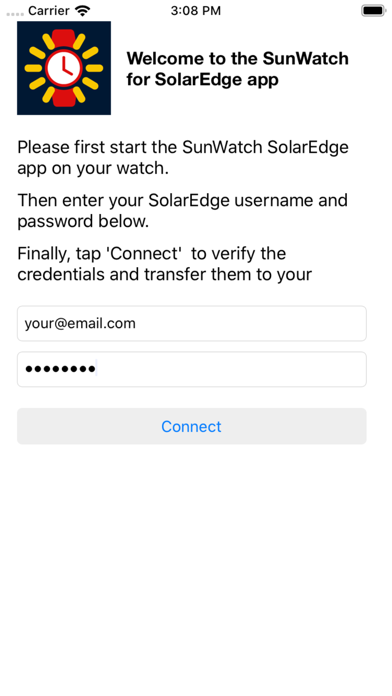
In order to view the data of your PV installation, please first start the app on your iPhone and login using the same account you use for logging in to the SolarEdge Monitoring Platform website. Your credentials will then automatically be transferred to your watch.
You can also login on your watch directly, if you have tiny fingers :-)