Edit videos by cropping, resizing, and adjusting settings. Add with customizable fonts and position elements using a timeline. Select music from your library and set it to your . Export and share directly to Instagram or other platforms.
Create captions quickly with like metal chrome, blur, and glitch. Use latest hip fonts for a personal touch. Edit images with a full-screen professional editor. Add transparent backgrounds and export directly.
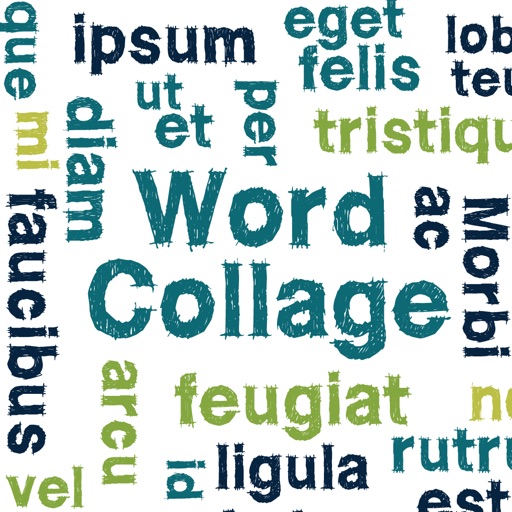
Create clouds by selecting color themes, fonts, and layouts. Choose from six layouts including horizontal, vertical, and half and half. Input text to generate clouds where common words appear larger.
Create collages with 106 adjustable layouts and 31 irregular designs. Choose from 18 frames and 36 backgrounds. Customize borders with color and shape. Edit photos using a built-in PRO editor.
Convert black and white images to using selective recoloring. Select photos from the gallery or capture new ones. Pan and zoom for precise editing. Resize and fit images to the screen. Use redo and undo features for error correction.
The app allows users to create collages on square backgrounds and add text. Users can choose backgrounds, add pictures, and modify text properties like font, size, color, transparency, and rotation.
The app allows users to add typography, filters, frames, shapes, and stickers to photos. It includes tools to adjust sharpness, brightness, saturation, contrast, RGB, hue, and exposure.
Add captions to photos or images using beautiful fonts and stickers. Choose from various backgrounds and styles. Insert quotes or create love messages with creative typography. Share -over- creations directly.