
Batch Image Resizer Pro
方成 印
Batch resize and convert images easily.
The app allows users to resize and convert many images to different formats in a single operation. It supports multiple image types and preserves the quality of original files.

Showing 901–920 of 1,000 ranked alternatives.
方成 印
Batch resize and convert images easily.
The app allows users to resize and convert many images to different formats in a single operation. It supports multiple image types and preserves the quality of original files.

Limit Point Software
Combine photos with gradient blending.
The app combines photos horizontally, vertically, or in square arrays. It offers variable blending gradients or overlaps for creating photomontages.


潇 罗
Crop, filter, and enhance photos
Crop photos in multiple aspect ratios. Apply 18 filter effects. Add blur and other special effects. Save and share edited images directly.



Giuseppe Cigala
Add to photos and export
Load photos from a table. Add text or image watermarks with customizable font, color, opacity, and positioning options. Resize photos to desired dimensions. Export in PNG, TIFF, JPG, GIF, BMP, JP2, or HEIF formats.


tdtom Lou
Paint on photos with many brushes.
The app allows users to paint on photos using 210 brushes and pens. Users can create colorful pictures, express feelings, and share their creations via email.


Muruganandh Ramadass
Crop videos with simple steps.
The app allows users to crop videos by dragging and dropping a video file, selecting an area, and clicking crop. It supports numerous input formats and offers presets for common resolutions and aspect ratios.
永亮 潘
Photos with drag-and-drop
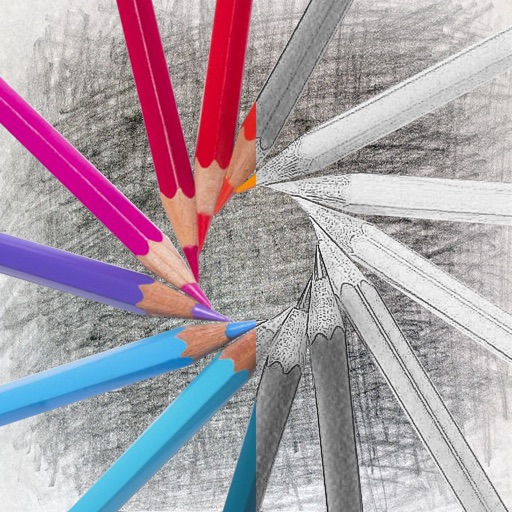
Convert photos into sketches with tone drawing engine. Adjust pen color, size, and background. Generate strokes with transparent backgrounds. Save sketches in original size and colorize with original colors.

Apps are ranked by functional similarity, category fit, rating confidence, and popularity.