
iPhone Screenshots
Description
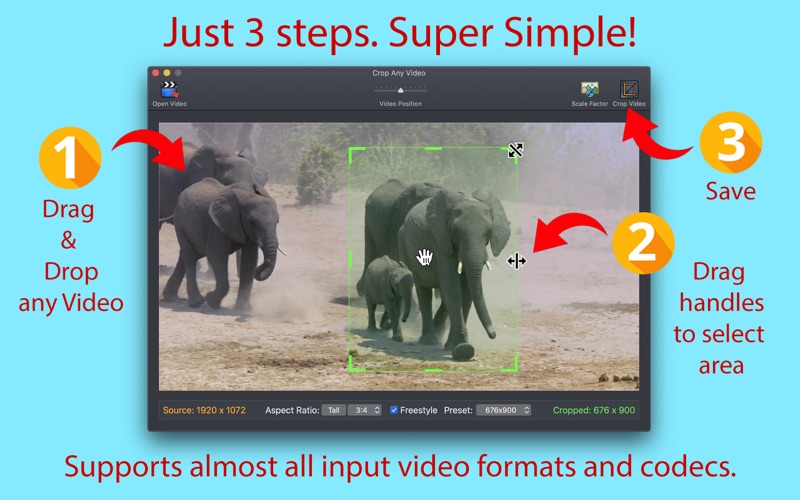
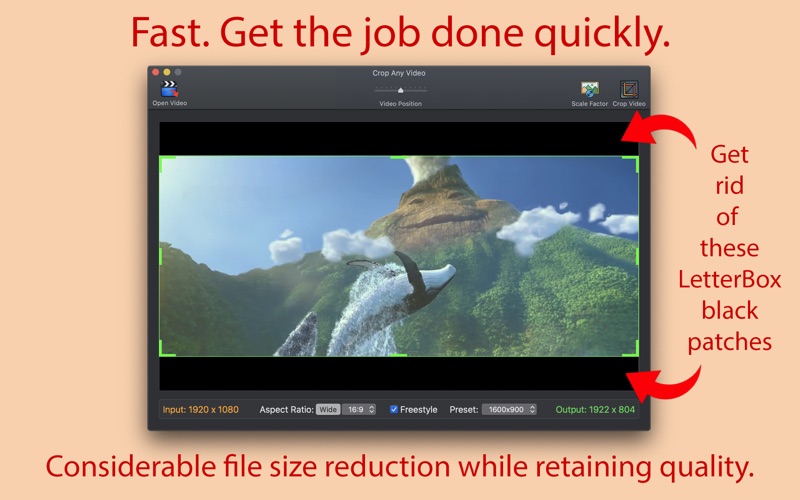
Super simple to use. Just 3 Steps:
1. Drag & Drop any Video.
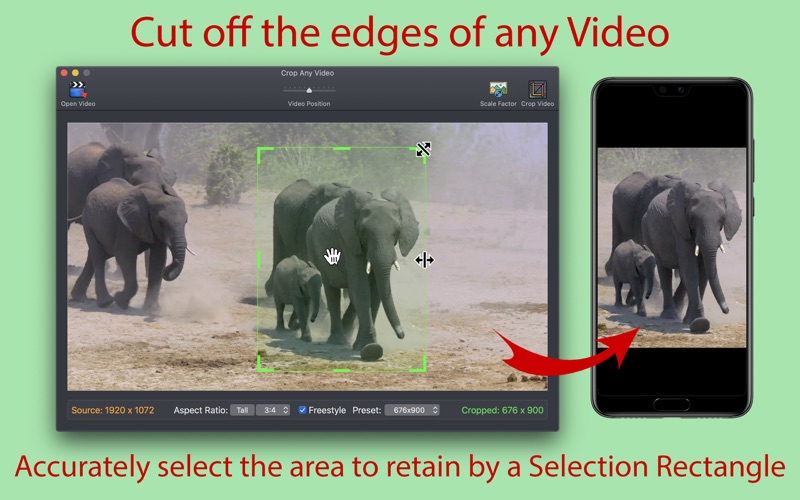
2. Select the desired area to keep using draggable Selection Rectangle.
3. Click Crop Video. That's it!
● Any Input Video. Supports almost all input video formats, codecs, containers and file extensions.
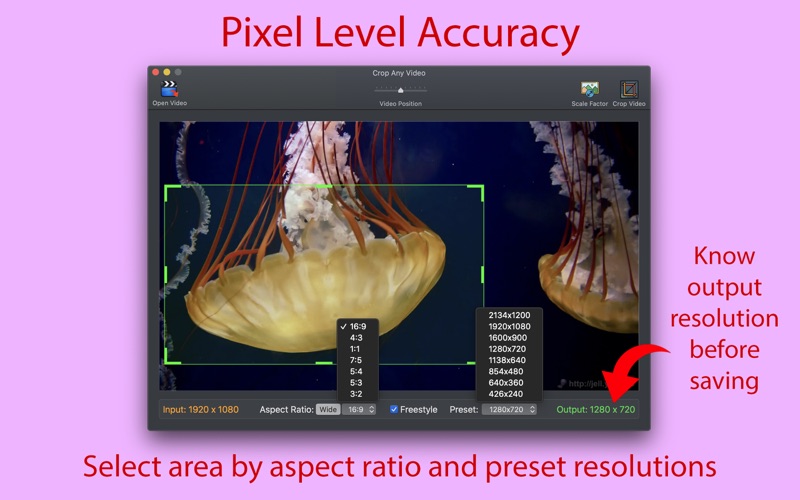
● Pixel Level Accuracy. Precisely choose the width and height to retain with accurate area selection.
● Easy. The draggable handles are just natural in selecting the crop rectangle.
● Ability to crop to widely used resolutions such as 720p, 1080p, 4k etc., via Presets.
● Ability to crop in different Aspect Ratios : 16:9, 4:3, 1:1(Square), 7:5, 5:4, 5:3, 3:2.
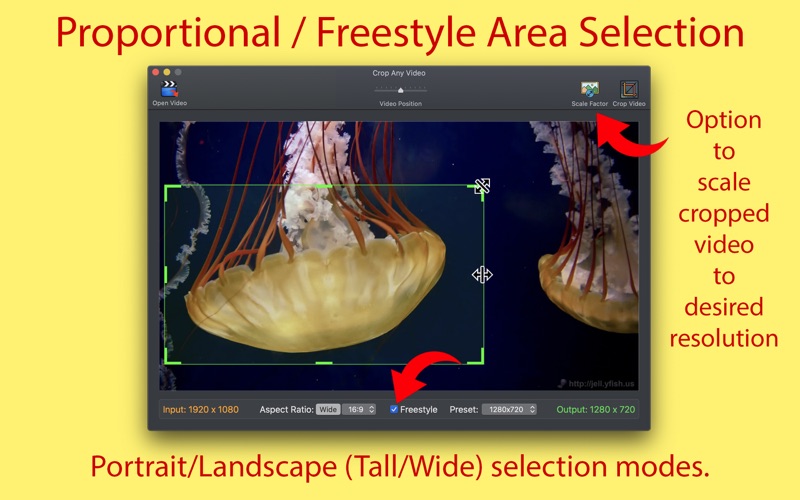
● Ability to select proportionally or freestyle.
● Availability of Portrait/Landscape (Tall/Wide) selection modes.
● Option to scale up/down the cropped area to desired output resolution.
● Considerable file size reduction while retaining quality.
● Fast transcoding engine that gets the job done quickly.
● Input file extensions supported are : .mp4, .mov, .m4v, .mpg, .mkv, .avi, .dv, .flv, .ts, .mts, .m2ts, .oog, .webm, .wmv, and many more…
● A widely compatible .mp4 (H264/AAC) output video gets created.
Contact nacentApps at gmail for excellent customer support.